page 8
Press the MAX key again and the word MAX has now
disappeared from the display. The display will now indicate
forces applied in both directions as they are applied to the
transducer and maintain a "running" display.
Press the RESET key to clear both maximum registers and
prepare for detecting the next maximum readings.
(See also COMMS section of Advanced Menu Options on page 25)
A calibrated analogue output is available from the top ‘D
type’ connector marked ‘coms’ for use with chart recorders,
oscilloscopes or any other devices requiring analogue inputs.
See technical specifications on page 26 and 30 for details.
It is possible to transmit the displayed reading to peripheral
devices (e.g. PC, printer) by pressing and releasing the TXD
key.
Displayed readings can also be requested individually from a
PC via the RS232 interface by sending a "?" (ascii D63 [3fh]
character.
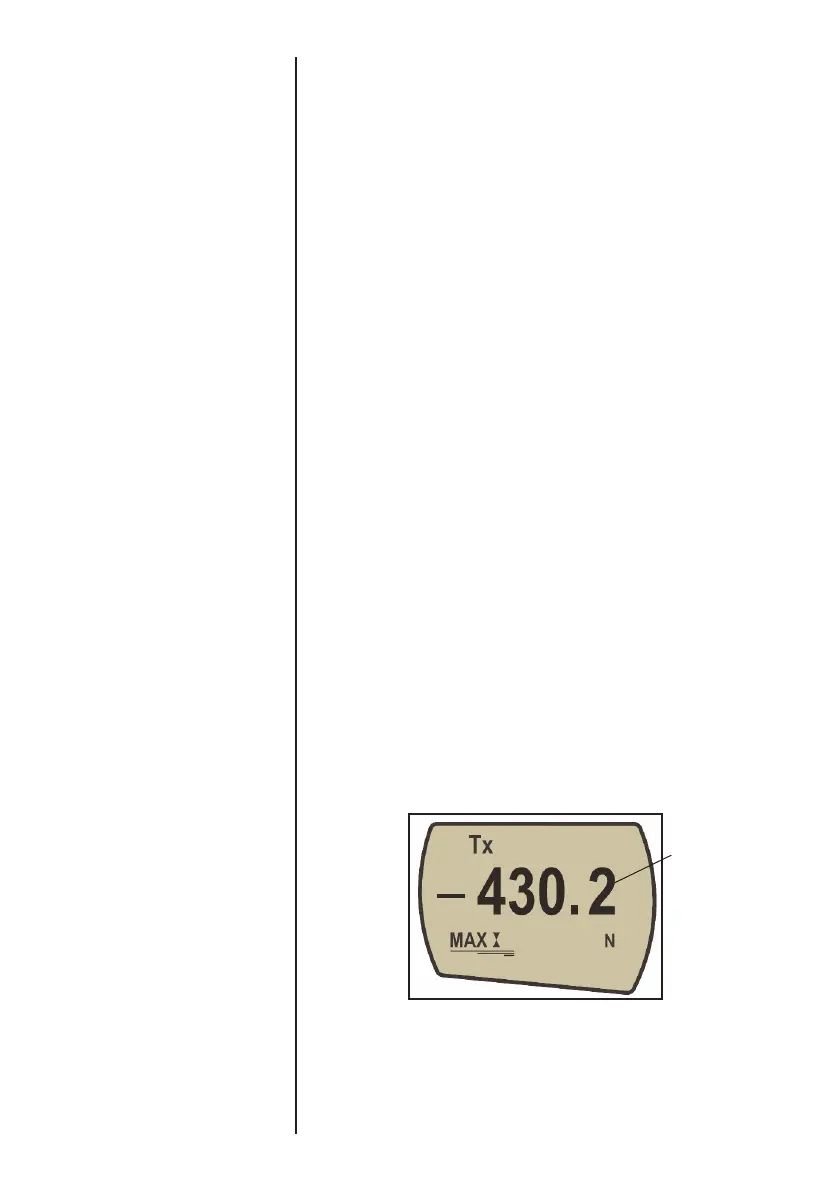
For sending a continuous data stream to a PC, press and
hold the TXD key for 2 seconds then release. TX will now
appear in the display to indicate that data is being sent, (see
figure 4). To stop sending data, simply press and release the
TXD key, at which point TX will disappear from the display.
Please note that the continuous data stream only starts when
approximately 2% of the rated capacity of the gauge is
reached.
This default threshold can be set from 1-100% (see advanced
menu options).
"Normal" mode
Data Output
Analogue output
RS232 and Mitutoyo
output signals
PC Communication
AFG uses 9600, 19200,
57600 or 115200 Baud, 8
data bits, 1 start bit, 1 stop bit
and no parity.
(See Advanced
Menu Options for setup details)
A full range of data cables are
available to connect your gauge
to peripheral devices – contact
your supplier.
Fig. 4
Max compression
reading



 To Next Page