page 13
OUT BAND - Any value falling outside the set limits
LIMIT 1 and LIMIT 2
IN BAND - Any value falling between the set limits LIMIT 1
and LIMIT 2
Use the UP and DOWN keys to move the cursor and press
ENTER key to select the desired feature.
The display shows PASS or FAIL. This menu sets the OUT
BAND criteria.
PASS - Values, which fall either OUT BAND (or IN BAND,
if selected), are a PASS and will cause an audible
beep, illuminate an LED or both.
FAIL - Values, which fall either OUT BAND (or IN BAND,
if selected), are a FAIL and will cause an audible
beep, illuminate an LED or both.
Use UP and DOWN keys to move the cursor and press
ENTER key to select the desired feature.
The display shows BUZZER ON
CONTINUOUS PULSE. This
menu selects length of time that the buzzer will sound, if
AUDIBLE or BOTH has been selected in sub-menu 3.
CONTINUOUS - The buzzer sounds at a pre-set alarm value
and stays on until load falls below that pre-set.
PULSE - The buzzer pulses for fixed time of one second every
time the load crosses over each of the presets.
Use UP and DOWN keys to move the cursor and press
ENTER key to select the desired feature.
ALARM sub-menu 5
Alarm sub-menu 6
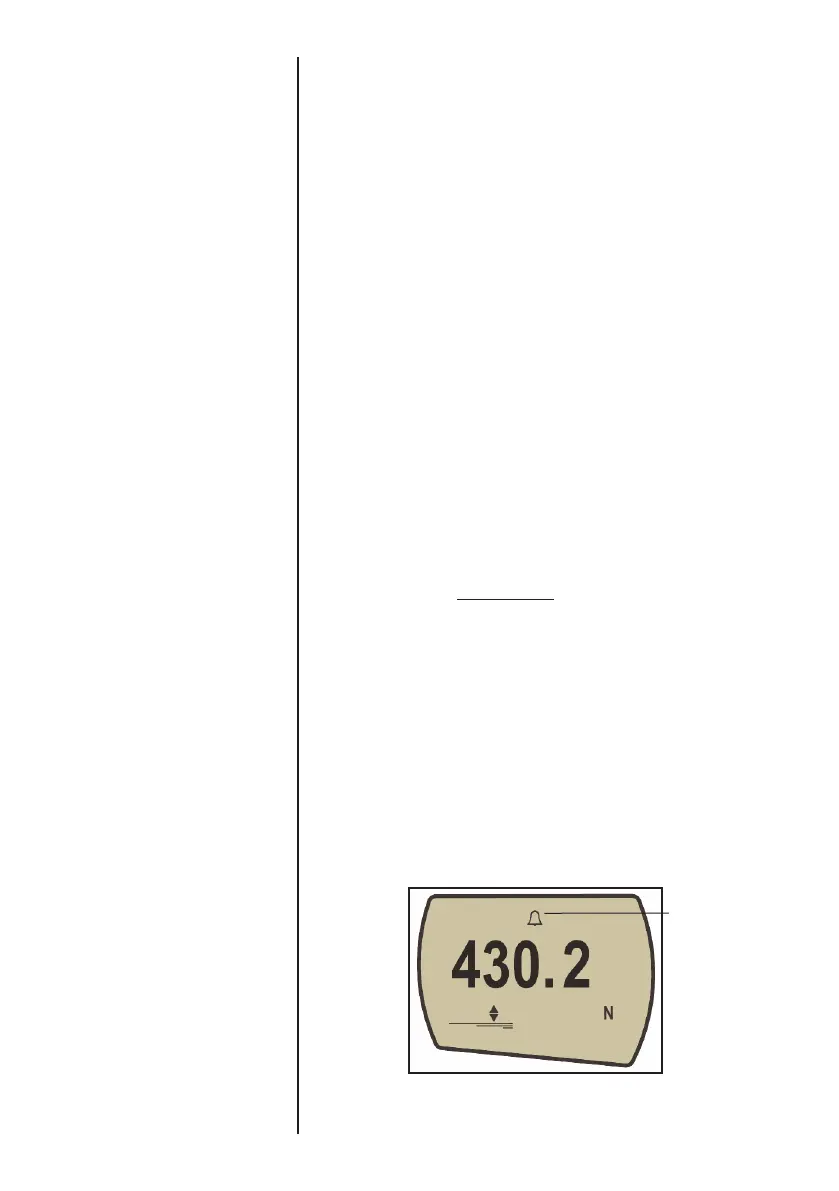
Fig. 7
alarm symbol



 To Next Page