page 21
1st Peak facility – this is used to detect the force at which a
sample breaks but is not necessarily the maximum force (e.g.
detecting the force at which a tablet first begins to crack.)
When this feature is set to ON, two additional functions can
be selected using the MAX key from the main display.
% DROP
1st Peak Tension
1st Peak Compression
1st Peak
Tension/Compression
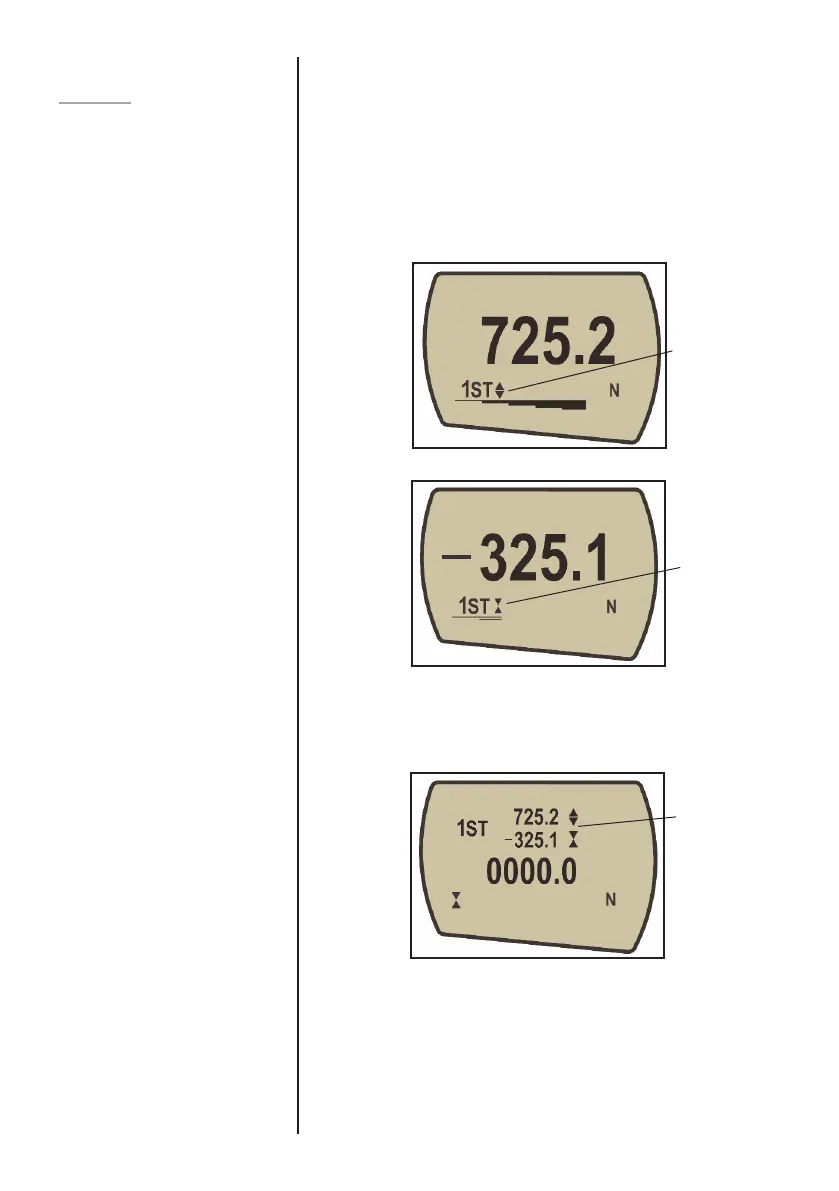
Fig. 9
1st peak
compression
symbol
Fig. 8
1st peak
tension symbol
Fig. 10
The dual Max
display now shows
1st peak tension
and 1st peak
compression. Load
currently applied to
instrument is also
shown (0000.0)



 To Next Page