page 29
Press and hold the ESC key until you return to page 2 of
main-menu.
The contrast of the display may be increased and decreased
in this menu.
From page 2 of main-menu press UP or DOWN keys to
position the arrow key on CONTRAST. Press ENTER key to
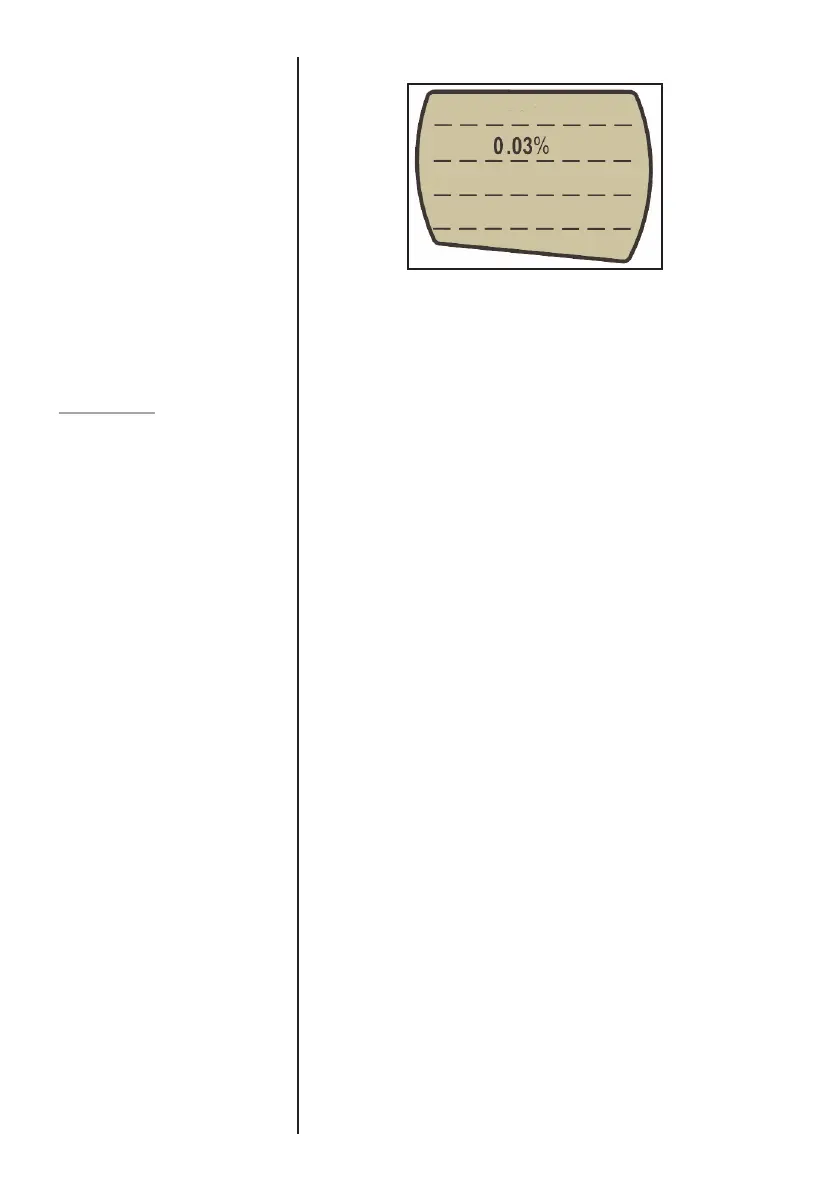
select CONTRAST menu and 1.234 will be displayed. Press
UP or DOWN key to adjust the contrast of the display and
ENTER key to confirm the setting. You will now return to page
2 of the main-menu.
CONTRAST
Fig. 12



 To Next Page