page 4
Powering up
Please note that an AFG
measuring very low forces may
not show zero if it is moved
during the self test routine. Once
it is properly mounted and
zeroed the reading will be stable
NB: All the current settings are
saved when the gauge is turned
off and the gauge will function in
the same mode when powered
up again.
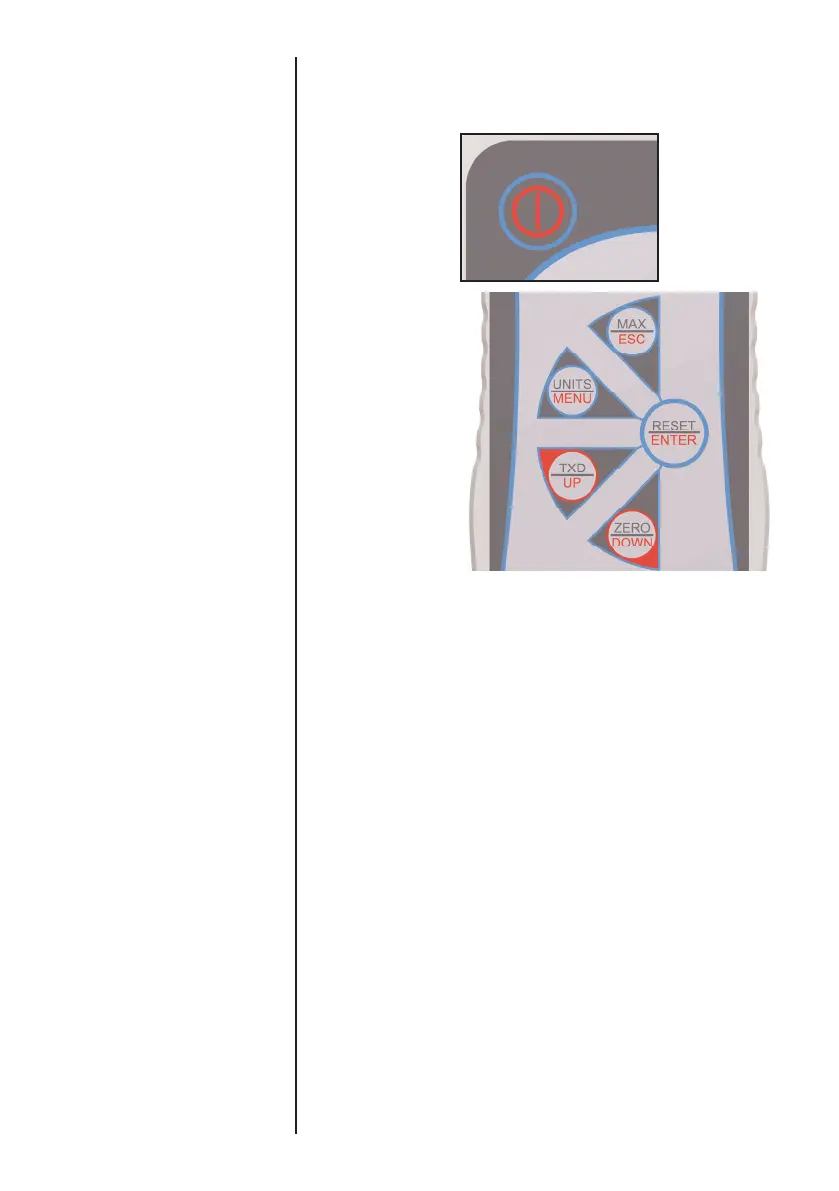
As shown in Figure 1b the control panel has 5 Function keys
plus an On/Off key:-
To power up the
gauge press the
red key. A
short self test runs
during which the
display will show
the model and
capacity in
newtons.
After the self test, providing no load has been applied to the
instrument, the display will show all zeros. This is because
the gauge re-zeros itself during the self test routine.
If a force is applied perpendicularly via the sensor probe
(bottom of AFG), the reading on the display will register the
applied force.
Forces greater than 120% of full-scale will produce an
audible beep until load is released and an OL symbol will
appear on the display
for 30 seconds
.
Forces greater than 150% of full-scale will produce an
audible beep until load is released and an OL symbol will
appear
permanently
on the display. If this should occur
consult your supplier to arrange inspection and repair, if
necessary.
Should the instrument have sustained a catastrophic overload,
the symbol OL will be permanently displayed and the
instrument must be returned to Mecmesin or an approved
Mecmesin distributor for repair.
To power down the gauge press the red key.
b
Fig.1b
b



 To Next Page