16
Telephone: 0800 121 4626 www.thetenscompany.co.uk
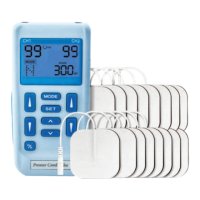
ADJUSTING THE CONTROLS USING
THE MANUAL ADJUSTMENT
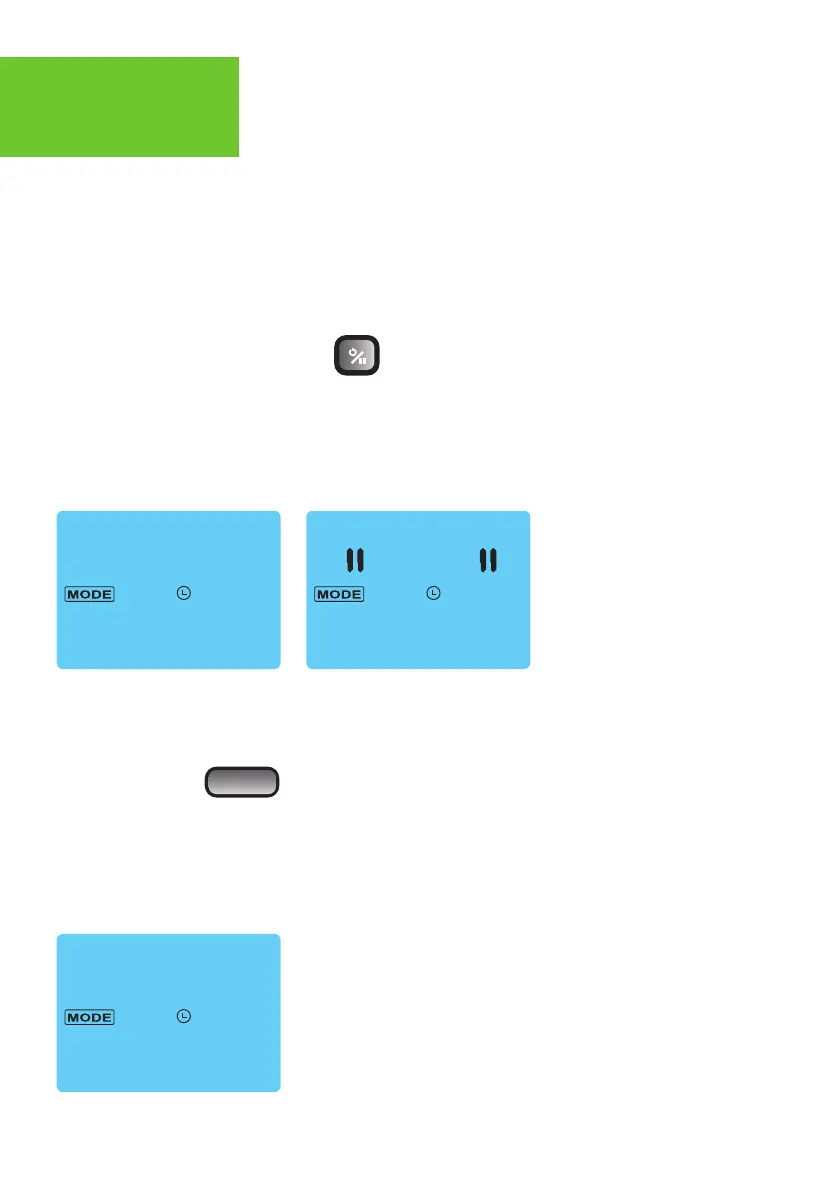
1. Power On/Off/Pause Button
The power of unit can be turned on by pressing the On/Off/Pause button. You may
start to adjust the settings when the liquid crystal display is on. Press and hold for 2
seconds to switch off. To pause stimulation press the button once. To resume
stimulation press the button again and stimulation will be restored in 2 seconds.
If the unit is not used (buttons not pressed or output level at 0) for 5 minutes, the
power will be shut off automatically.
2. Mode Control
There are 5 TENS modes(B, N, M, S1, S2) and 3 EMS modes (C, S, A) available. The
mode is selected by pressing the “Mode” control. When a TENS mode is selected, the
LCD shows "TENS". When EMS mode is selected, the LCD shows "EMS"


 To Next Page