18
Telephone: 0800 121 4626 www.thetenscompany.co.uk
ADJUSTING THE CONTROLS FOR TENS
9. Steps to Set a TENS Program
The settings can be adjusted according to the following steps.
a. Turn on the Power
b. Select a Mode
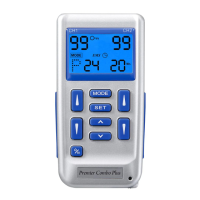
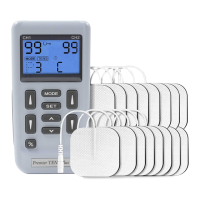
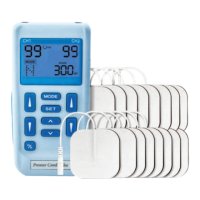
Select a mode by pressing the "Mode" control. The mode you selected will show up
on the top of liquid crystal display. There are 5 modes of your option including -
B(Burst), M(Normal), M(Modulation), S1, S2 and P. When a TENS mode is selected, it
shows "TENS" on the liquid crystal display.
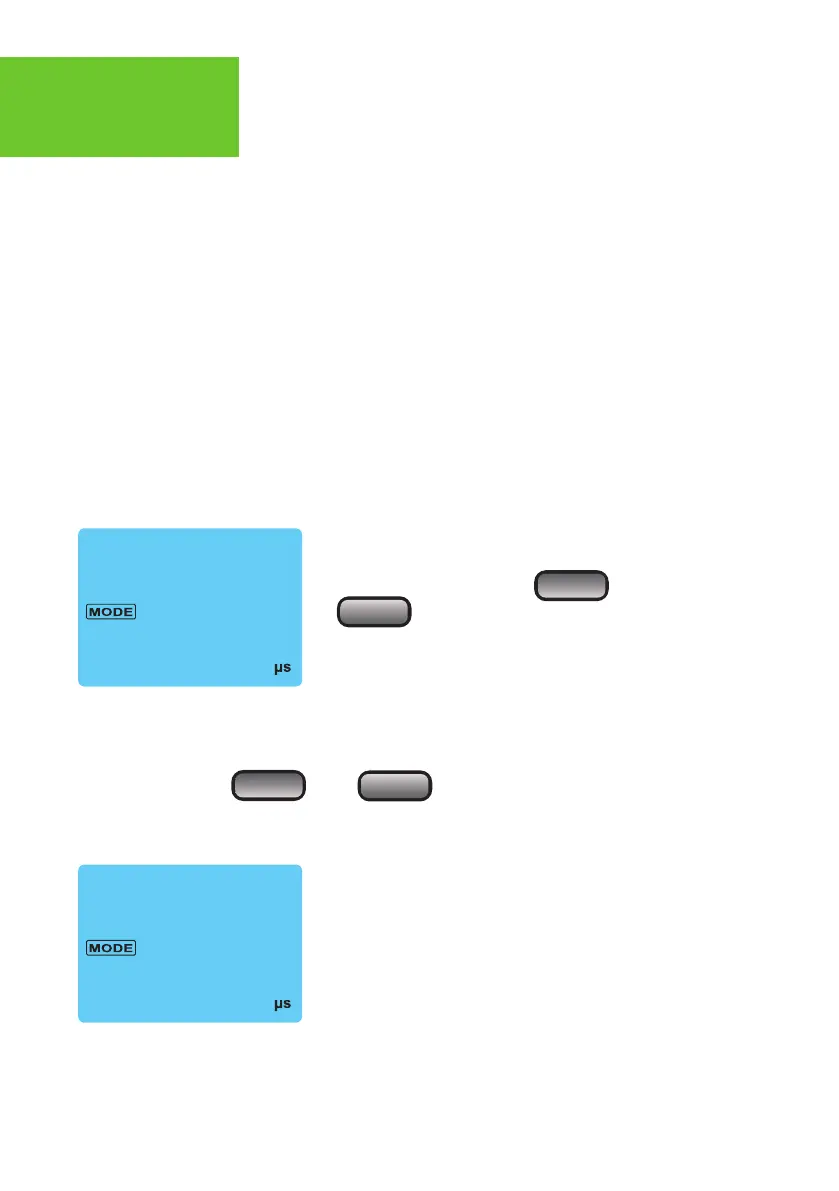
After a mode is selected, always press "Set" to enter
next setting, and press " " or
" " to adjust its value.
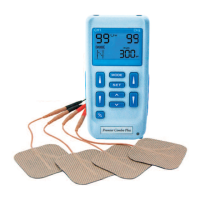
c. Set Pulse Width
Pulse Width is adjustable from 50
µ
s to 300
µ
s. Press “SET” control to enter this
menu, then press “ ” or “ ” to adjust the setting. If no instructions
regarding the pulse width are given in therapy, set the control to the suggested 70-
120
µ
s setting.


 To Next Page