20
Telephone: 0800 121 4626 www.thetenscompany.co.uk
ADJUSTING THE CONTROLS FOR EMS
10. Steps to Set a EMS Program
The settings can be adjusted according to the following steps.
a. Turn on the Power
b. Select a Mode
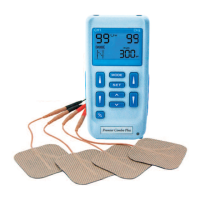
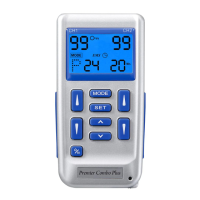
Select a mode by pressing the "Mode" control. The mode you selected will show up
on the top of liquid crystal display. There are 3 modes of your option including -
C(Constant), S(Synchronous), A(Alternate). When an EMS mode is selected, it
shows "EMS" on the liquid crystal display.
After a mode is selected, always press "Set" to enter
next setting, and press “ ” or
“ ” to adjust its value. The settings will be
stored immediately after selected.
c. Set Ramp Time
The ramp time controls the time taken to reach maximum and the time taken to fall
to zero I order to make the contraction more comfortable. The ramp time is
adjustable between 1 - 8 seconds.


 To Next Page