Function Menu
Beat Type
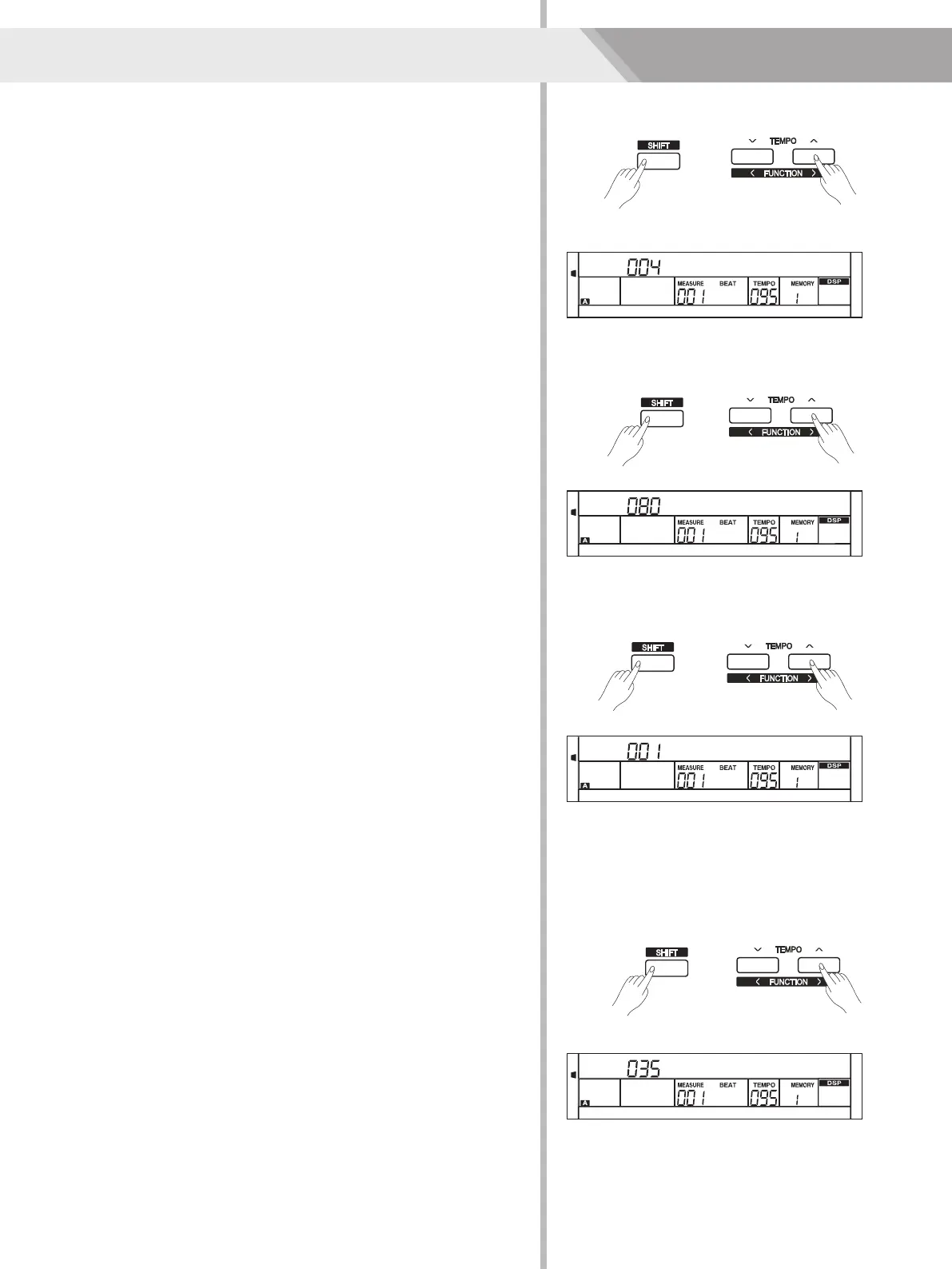
1. Holding down [SHIFT] button, and then press [FUNCTION ]
button to select beat type menu. LCD displays “xxx BeatType”.
Use [+/YES]/ [-/NO] or data dial to change beat type. The range of
beat type: 0, 2~9.
2. Press [+/YES] and [-/NO] simultaneously will set the beat type value
to its default setting: 004.
</>
24
Metro Volume
1. Holding down [SHIFT] button, and then press [FUNCTION ]
button to select beat volume menu. LCD displays “xxx MetroVol”.
Use [+/YES]/ [-/NO] or data dial to change beat volume. The range
of beat volume: 0~127.
2. Press [+/YES] and [-/NO] simultaneously will set the beat volume
value to its default setting: 080.
</>
Pedal Type
1. Holding down [SHIFT] button, and then press [FUNCTION ] button
to select pedal type menu. LCD displays “00x Pedal xxxx”.
Use [+/YES]/ [-/NO] or data dial to change pedal type. 3 types of
pedal are available: pedal( ), accompaniment start/stop
Pedal(St/T), memory switch pedal(Mem).
2. Press [+/YES] and [-/NO] simultaneously will set the pedal type to its
default setting: .
</>
Soft Soft
Soft
BeatType
MetroVol
Pedal Soft
Reverb Level
level Lev
level
level
level
1. Holding down [SHIFT] button, and then press [FUNCTION ] button
to select reverb menu. LCD displays “xxx Reverb ”.
Use [+/YES]/ [-/NO] or data dial to change reverb .
Range: 0~127
2. Press [+/YES] and [-/NO] simultaneously will set the reverb to
its default setting.
Note:
The reverb default value depends on the voice.
</>
ReverbLev
0
5
25
75
95
100
AW_DP330_Manual_G06_150420
2015420 10:28:38


 To Next Page