Song
The piano has 60 preset songs in addition to 10 user songs. All preset
songs can be practised with melody-off.
Listen to the songs
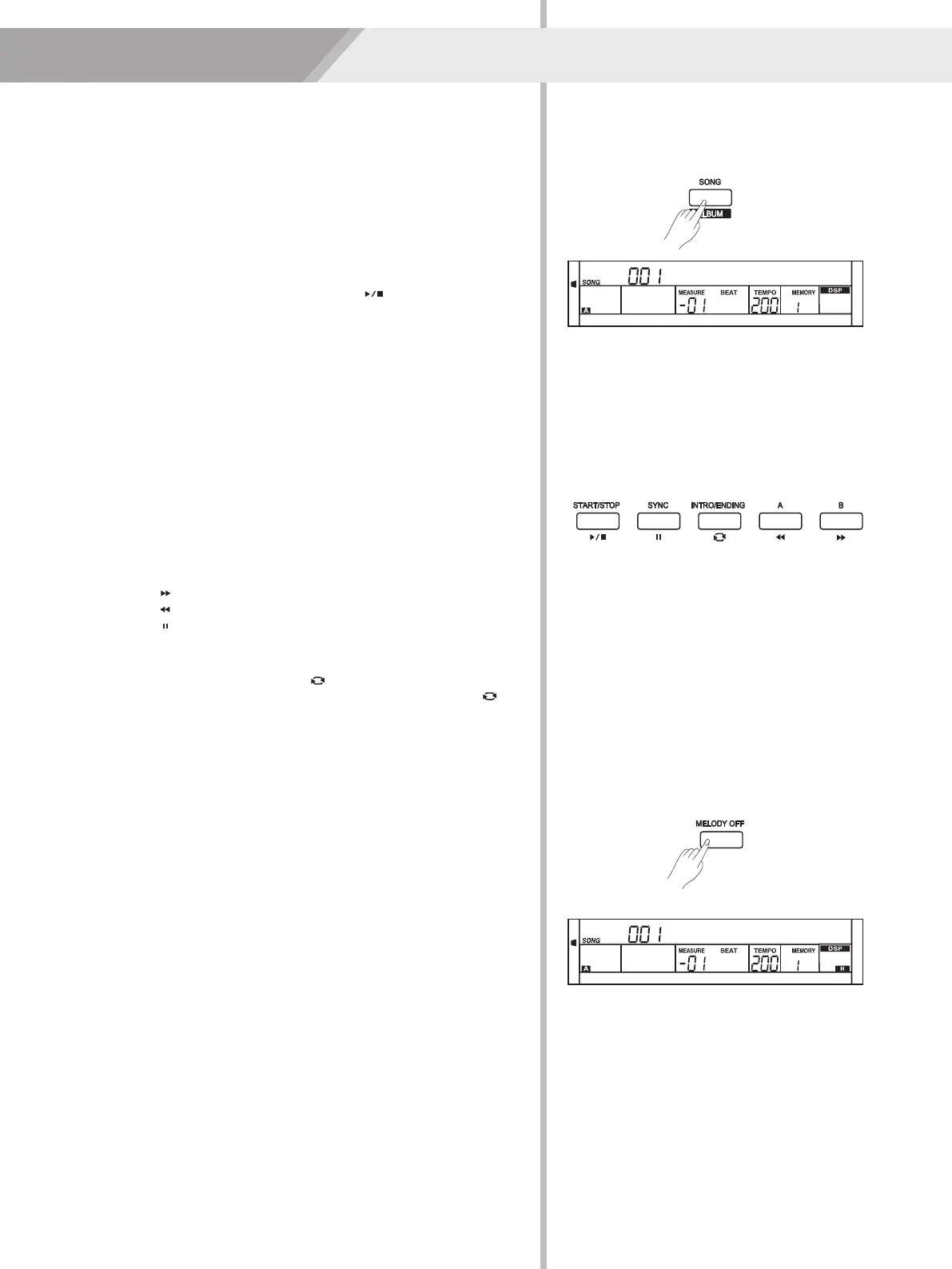
1. Press the [SONG] button to enter the song mode. The LCD shows
“SONG” indicate and it will play all songs circularly.
2. Use the data dial, [+/YES] or [-/NO] button to select a song.
3. Once you start playing a song by pressing [ ] button, it will play
current song repeatedly.
4. When the song is stopped, press the style or voice direct button,
[DUAL] button and so on will exit the song mode.
Song Control
1. Introductory beat
Before song start playing, it has the introductory beat, the measure
starts from negative value. It begins to play song when the measure
goes to 1.
2. REW, FF and PAUSE
When the song is playing:
Press the [ ] button to fast forward the song.
Press the [ ] button to rewind the song (base on the measure).
Press the [ ] button to pause the playing song.
3. Song Repeat
When playing the song, press the [ ] to set the loop begin and
press it again to set the loop end. When in loop status, press [ ]
again to quit the loop playing status.
Practice Song
1. When song playback stops, press [MELODY OFF] button to turn off
the right-hand melody. LCD will display “R” on the right bottom.
2. Press [START/STOP] button to begin the practice.
31
Jambalay
Jambalay
0
5
25
75
95
100
AW_DP330_Manual_G06_150420
2015420 10:28:38


 To Next Page