EasyManua.ls Logo

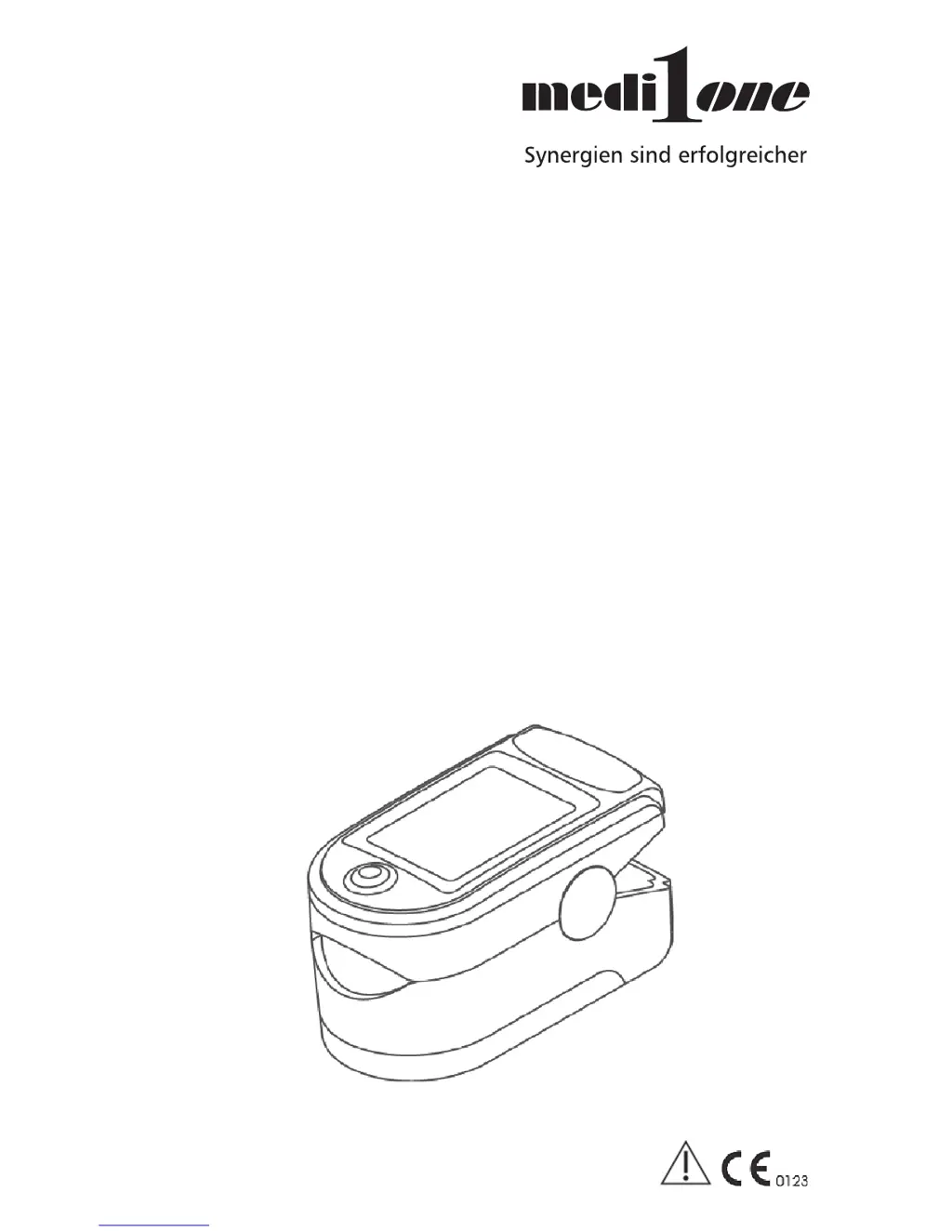
medi one CMS50D - User Manual

medi one CMS50D
48 pages
Go to English
Print Icon
To Next Page IconTo Next Page
Loading...
Gebrauchsinformation
Finger-Pulsoximeter
Typ: CMS50D | PZN: 09777842 | REF: CMS50D
EN: Instructions for use
Fingertip Pulse Oximeter

Questions and Answers

  • C
    Crystal FlynnJul 27, 2025
    What to do if my medi one CMS50D can't be turned on?
    • J
      James HarrisJul 27, 2025
      If your medi one Medical Equipment won't turn on, the batteries may be drained or almost drained, so try changing them. Also, ensure the batteries are correctly installed; if not, reinstall them. If the problem persists, it may indicate a malfunction, and you should contact the local service center.
  • S
    sherry11Aug 4, 2025
    Why does the display turn off suddenly on my medi one Medical Equipment?
    • G
      Gina GarnerAug 4, 2025
      If the display of your medi one Medical Equipment turns off suddenly, it's normal for the device to power off automatically if it doesn't detect a signal within 5 seconds. Alternatively, the batteries might be almost drained, so try changing them.
  • P
    Paul WrightAug 11, 2025
    What to do if SpO2 and Pulse Rate are not displayed stably on medi one CMS50D Medical Equipment?
    • K
      Kirk HumphreyAug 11, 2025
      If the SpO2 and Pulse Rate readings on your medi one Medical Equipment are unstable, it might be because your finger isn't placed deep enough inside the device; try repositioning it properly. Alternatively, if your finger is shaking or you are moving, try to keep calm and still during the measurement.
  • B
    bakerkyleAug 18, 2025
    How to fix SpO2 and Pulse Rate display issues on medi one Medical Equipment?
    • C
      Charles BushAug 18, 2025
      If the SpO2 and Pulse Rate cannot be displayed normally on your medi one Medical Equipment, ensure your finger is correctly positioned within the device and try again. If the issue persists, your SpO2 level might be too low to be detected. In that case, try again, and if you're sure the device is working correctly, seek a diagnosis from a hospital.

Summary

1 Safety

Safe Operation Guidelines

Guidelines for safe use, maintenance, and device compatibility.

Critical Safety Warnings

Critical warnings regarding explosive hazards, MRI/CT use, and material sensitivities.

Usage Cautions and Precautions

2 Device Overview

Product Classification

Details the device's classification according to medical device directives.

Product Features

Highlights key features like portability, low power consumption, and ease of use.

Applications and Usage Scope

Environment and Storage Requirements

3 Measurement Principle and Cautions

Principle of Measurement

Explains the underlying measurement technology using light absorption principles.

Measurement Cautions

Cautions regarding proper finger placement and factors affecting measurement accuracy.

Clinical Restrictions for Accurate Readings

4 Technical Specifications

Display and Power Specifications

Details display formats, measuring ranges, and power requirements for the device.

Performance and Sensor Specs

Outlines measurement accuracy, performance in weak conditions, and optical sensor details.

5 Included Accessories

Package Contents List

Lists all items included in the product package.

6 Device Installation

Front Panel Overview

Diagram illustrating the front panel components of the oximeter.

Battery Installation Guide

Step-by-step guide for installing the device batteries correctly.

Hanging Rope Attachment

7 Operating Guide

Basic Operation Steps

Core steps for preparing and initiating a measurement with the oximeter.

Operating Procedures and Tips

8 Repairing and Maintenance

Maintenance and Cleaning Procedures

Guidance on battery replacement, cleaning procedures, and storage recommendations.

9 Troubleshooting

Display and Reading Problems

Solutions for issues where SpO2 and Pulse Rate are not displayed normally or stably.

Power and Sudden Display Issues

10 Device Symbols Guide

Interpreting Symbols and Indicators

Explanation of various symbols used on the device and in the manual.

11 Function Specification

Display, Pulse, and SpO2 Specifications

Detailed specifications for display information, pulse rate, and SpO2 measurement parameters.

Battery, Life, and Dimensions

Specifics on battery requirements, useful life, and device dimensions and weight.

medi one CMS50D Specifications

General IconGeneral
TypeFingertip Pulse Oximeter
ModelCMS50D
SpO2 Accuracy±2% (70% - 100%)
SpO2 Accuracy (Below 70%)Unspecified
PR Measuring Range30 bpm - 250 bpm
Display TypeLED
Measurement ParametersSpO2, Pulse Rate
Battery Type2 x AAA Alkaline Batteries
Weight50g (including batteries)
Power ConsumptionLess than 30 mA
ResolutionSpO2: 1%, PR: 1 bpm
SpO2 Measuring Range0% - 100%
PR Accuracy±2 bpm or ±2%