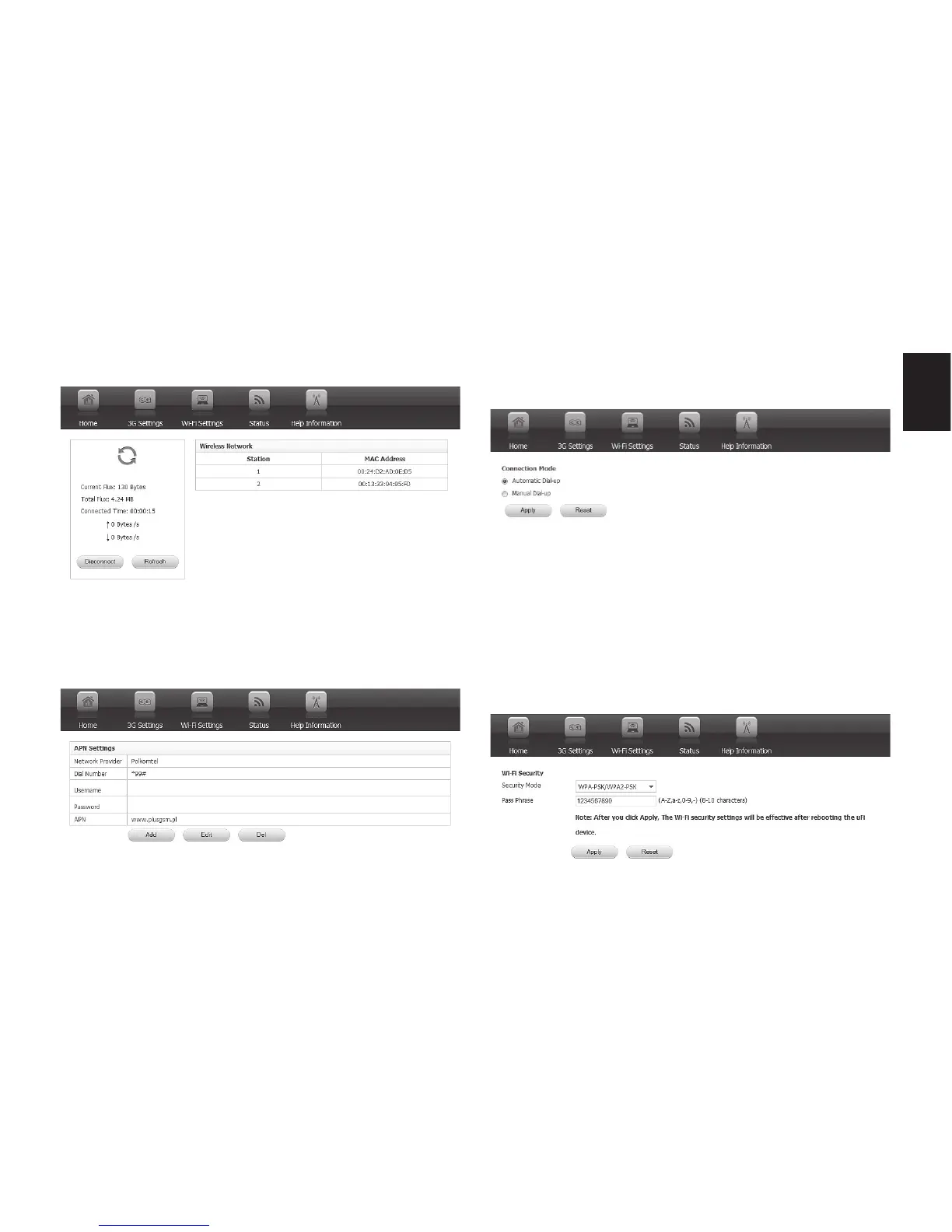
2. Now go to “3G setting” tab
3. Now select “APN settings” and enter pa-
rameters provided by your SIM card opera-
tor.
Go to “Connection mode” – automatic is by
default.
If you want to change password and encryp-
tion type of broadcasted WiFi network go to
“WiFi Settings/WiFi security”.
Note! When new setting are applied device will
reboot, remember to scan for WiFi networks
again and enter new password.



 To Next Page