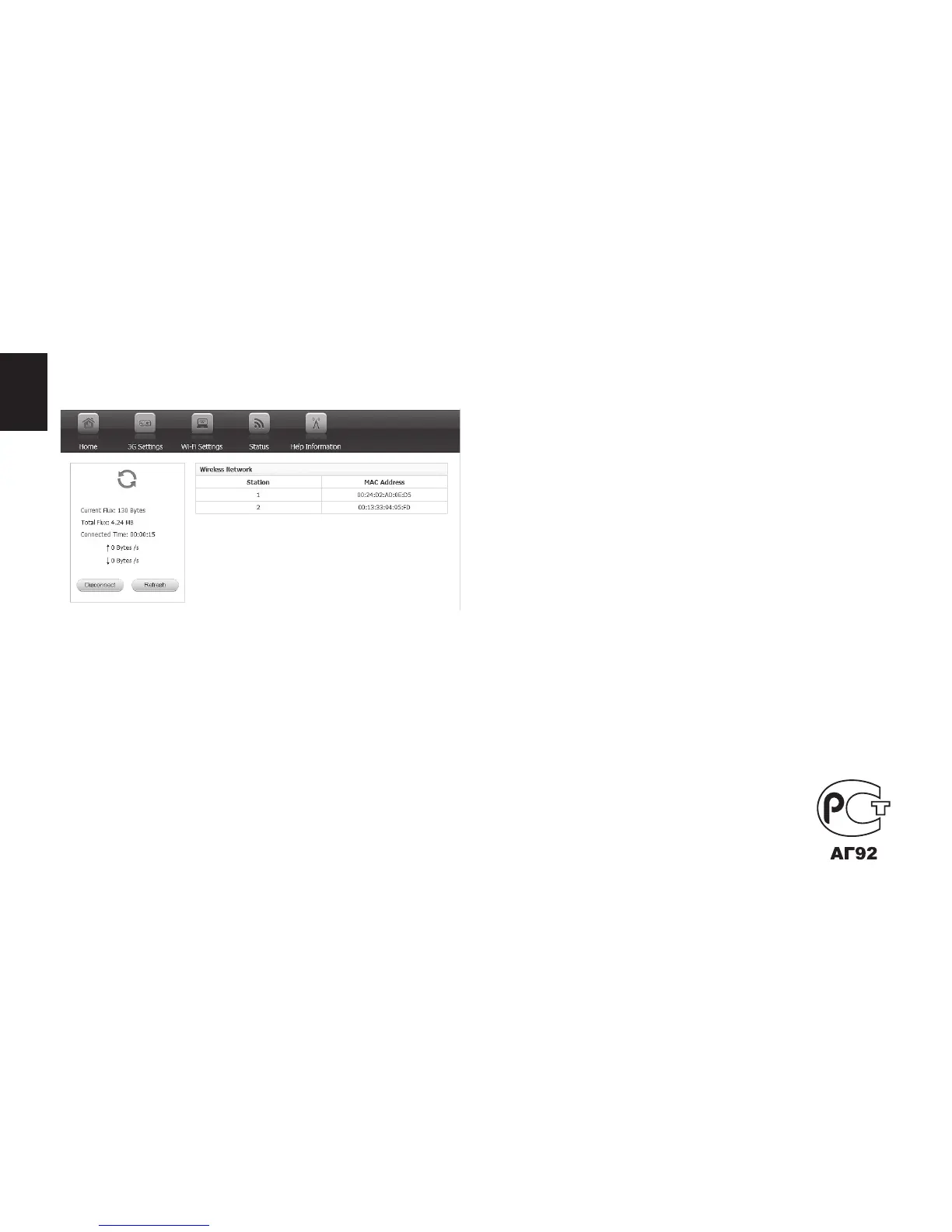
4. Now go to „HOME” tab and click “Connect”
button.
You can monitor connection status using
„HOME” tab, other options can be viewed in
“STATUS” tab.
Due to continuous development specica-
tion and appearance of product are subject to
change without prior notice. For technical sup-
port please visit www.media-tech.eu.



 To Previous Page