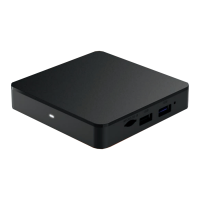
1
Find the device that does not have a TiVo Menu
as this will be the one to replace.
2
Turn off your television and old cable box.
3
Disconnect the power cord from the back
of the old unit and remove it from the power
outlet to which it is connected.
(Your new Xtream1 box comes with a different power cord.
Please do not use the old power cord with the new box.)
4
Unscrew the coaxial cable from both
the wall outlet and old cable box.
5
Remove any additional cables connected from
the old cable box to your TV (this could be a coaxial
cable, HDMI, or component/composite cables).
6
Set the old cable box, power cord, cables
and remote aside. We’ll return to these items
in Step 6 – Returning Your Previous Cable Box.
If you are replacing an existing cable box begin with
STEP 1, otherwise proceed to STEP 2.
STEP 1
Disconnecting Your
Previous Cable Box


 To Next Page