1
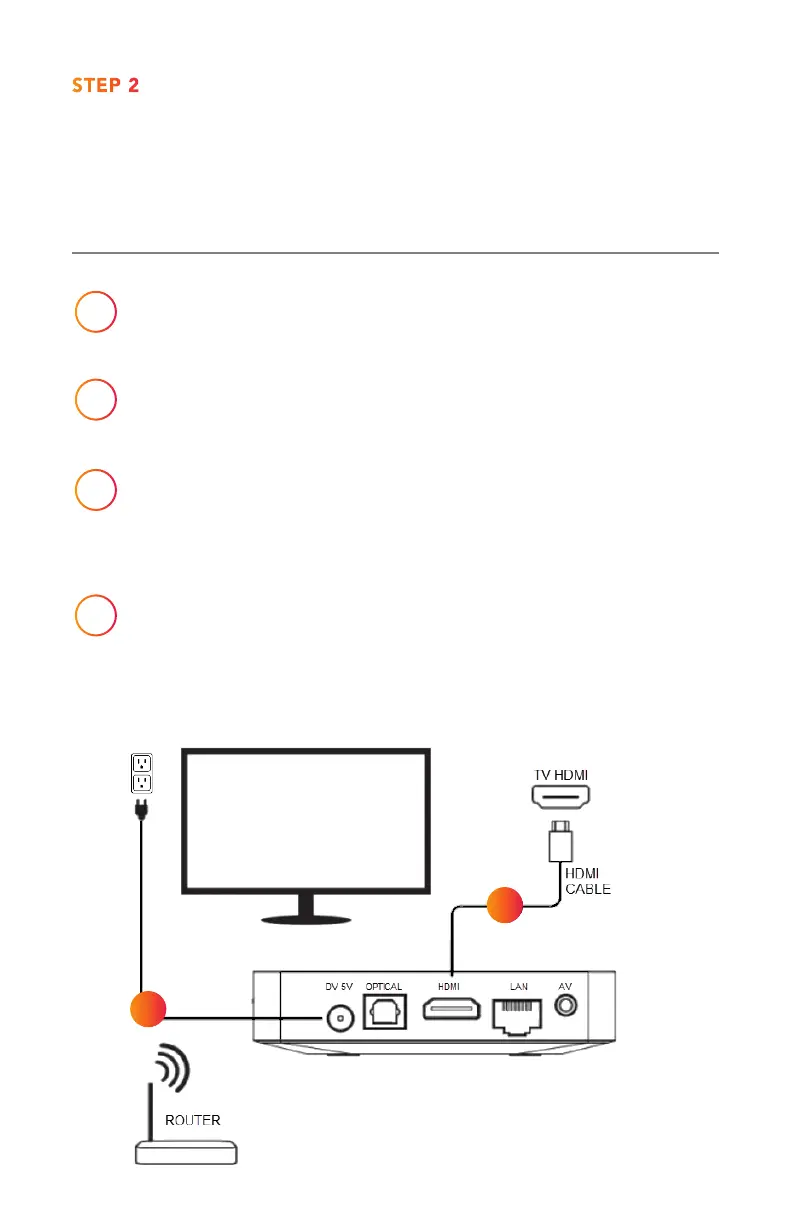
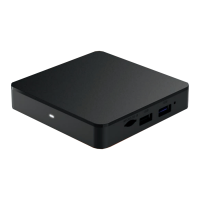
Locate the HDMI cable and connect it from the HDMI
Out on the Xtream1 box to HDMI Input* on your TV.
2
Connect the power cord to the Xtream1 box
and plug it into a power outlet.
3
Connect the ethernet cord from the Xtream1 box
to your cable modem or plan to use your home wi-
connection when prompted.
4
Turn on TV and tune to appropriate HDMI Input.
*Please make note of the HDMI input used on the TV as you will
need to tune your television to this input once you turn it on.
STEP 2
Connecting the
Xtream1 Box
1
2


 To Next Page