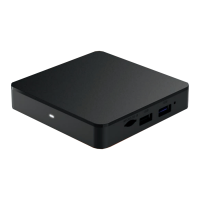
Once the Xtream1 box powers on it will display
‘Pair Your Remote’ instructions.
1
Place the remote within 3 feet
of the front of the Xtream1 box.
2
Insert the batteries into the remote.
3
Follow the on-screen instructions.
STEP 3
Setup the Xtream
Voice Remote
Once the remote is paired, you can now nish activating
the Xtream1 box by following the on-screen instructions.
STEP 4
Setup the Xtream1 Box
Now that you’ve completed the setup, we need to nish activation.
Please call 844-581-0933 and our automated
system will complete this step.
STEP 5
Activate Service


 To Next Page