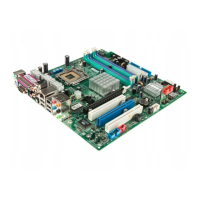
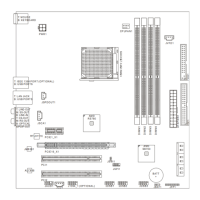
Hardware Setup
2-1
Chapter 2. Hardware Setup
This chapter provides you with the information about hardware setup
procedures. While doing the installation, be careful in holding the compo-
nents and follow the installation procedures. For some components, if you
install in the wrong orientation, the components will not work properly.
Use a grounded wrist strap before handling computer components. Static
electricity may damage the components.
TOPICS
Central Processing Unit: CPU 2-2
Memory 2-4
Power Supply 2-6
Back Panel 2-7
Connectors 2-12
Jumpers 2-19
Slots 2-22
2
Hardware Setup



 To Next Page