EasyManua.ls Logo

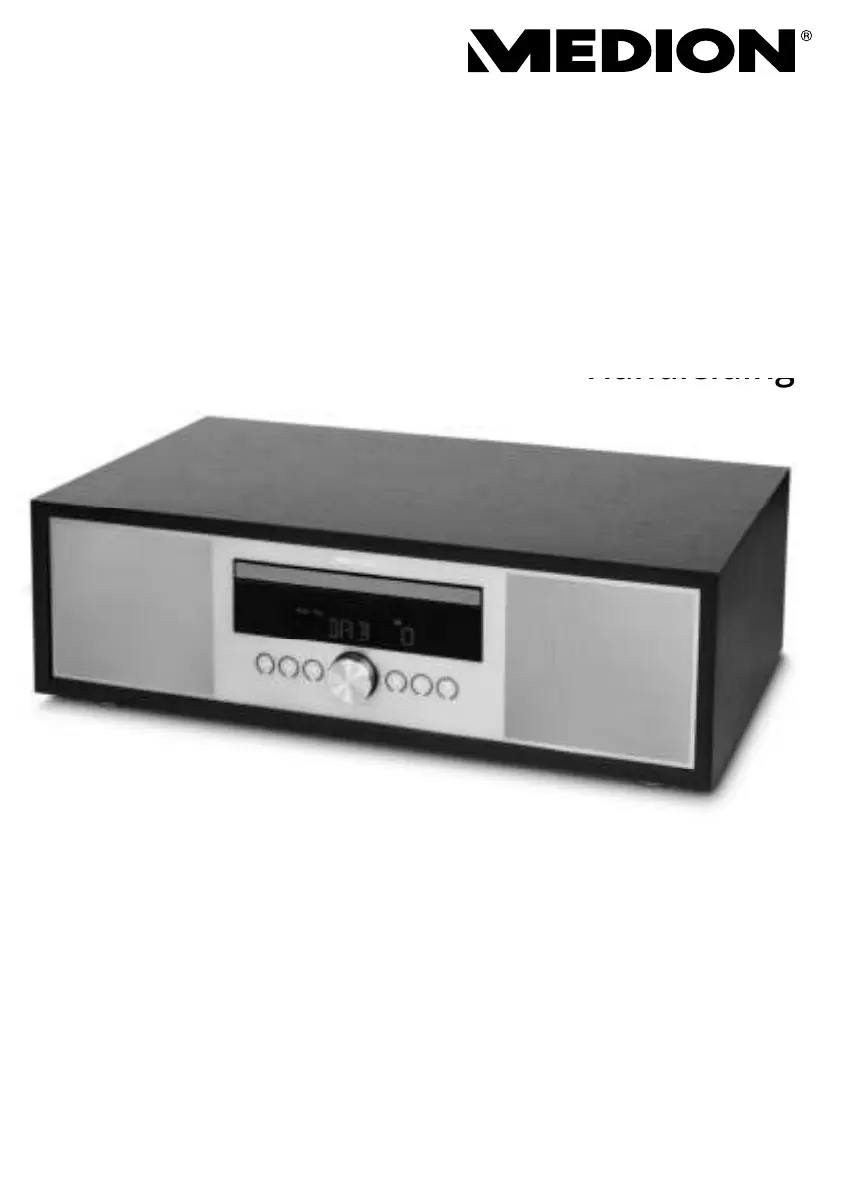
Medion LIFE P64145 - User Manual

Medion LIFE P64145
230 pages
Go to English
Print Icon
To Next Page IconTo Next Page
Loading...
All-In-One-Audiosystem
All-In-One Audio System
Système audio tout-en-un
Sistema de audio todo en uno
Sistema audio tutto in uno
Alles-in-één audiosysteem
MEDION
®
LIFE
®
P64145 (MD 44125)
Bedienungsanleitung
Instruction manual
Notice d‘utilisation
Manual de instrucciones
Istruzioni per l‘uso
Handleiding
Handleiding

Table of Contents

Questions and Answers

  • C
    Christopher DiazAug 12, 2025
    Why is there no sound coming from my Medion Stereo System?
    • K
      Kristy FigueroaAug 12, 2025
      There might be several reasons for the lack of sound from your Medion Stereo System: * The volume could be set too low. Try increasing the volume. * The mute setting may be activated. Ensure the mute setting is switched off. * If connected via AUX/LINE IN or Bluetooth, the volume of the external device might be too low. Increase the volume on the external device. * If headphones are connected, the sound playback on the speakers is interrupted. Unplug the headphone jack from the headphone socket.
  • C
    christopher12Aug 19, 2025
    What to do if my Medion LIFE P64145 Stereo System has no function?
    • L
      Laurie RobertsonAug 19, 2025
      If your Medion Stereo System isn't functioning, check these: * Ensure the mains plug is correctly inserted into the outlet. * The device may be disrupted by a thunderstorm, static charge, or another external factor. Try pulling the mains plug out of the outlet and then plugging it in again.
  • D
    David AndersonAug 27, 2025
    Why is the CD not playing on my Medion LIFE P64145 Stereo System?
    • C
      Christopher CombsAug 27, 2025
      If your CD is not playing on your Medion Stereo System, consider the following: * Condensation may have formed. Disconnect the mains plug from the outlet and wait until the device and the CD have adapted to the environmental conditions. * The CD format may be incorrect. Ensure that the CD format is one of those specified in the technical data for the device. * The CD might be dirty or incorrectly inserted. Clean the CD and reinsert it into the CD compartment with the label facing upwards.
  • E
    Elizabeth BernardSep 3, 2025
    How to improve poor radio reception on Medion LIFE P64145 Stereo System?
    • J
      Jill CookSep 3, 2025
      If you are experiencing poor radio reception on your Medion Stereo System: * The station signals may be too weak. Try adjusting the frequency of the stations. * Move the radio to a different location or change the direction of the aerial to improve the reception, if necessary.

Medion LIFE P64145 Specifications

General IconGeneral
BrandMedion
ModelLIFE P64145
TypeStereo System
BluetoothYes
Bluetooth Version4.2
USB PortYes
FM RadioYes
Supported formatsMP3, WMA
CD playerYes
Frequency Response20 Hz - 20 kHz
Playback sourceCD, USB, Bluetooth
InputsUSB, AUX

Related product manuals