EasyManua.ls Logo

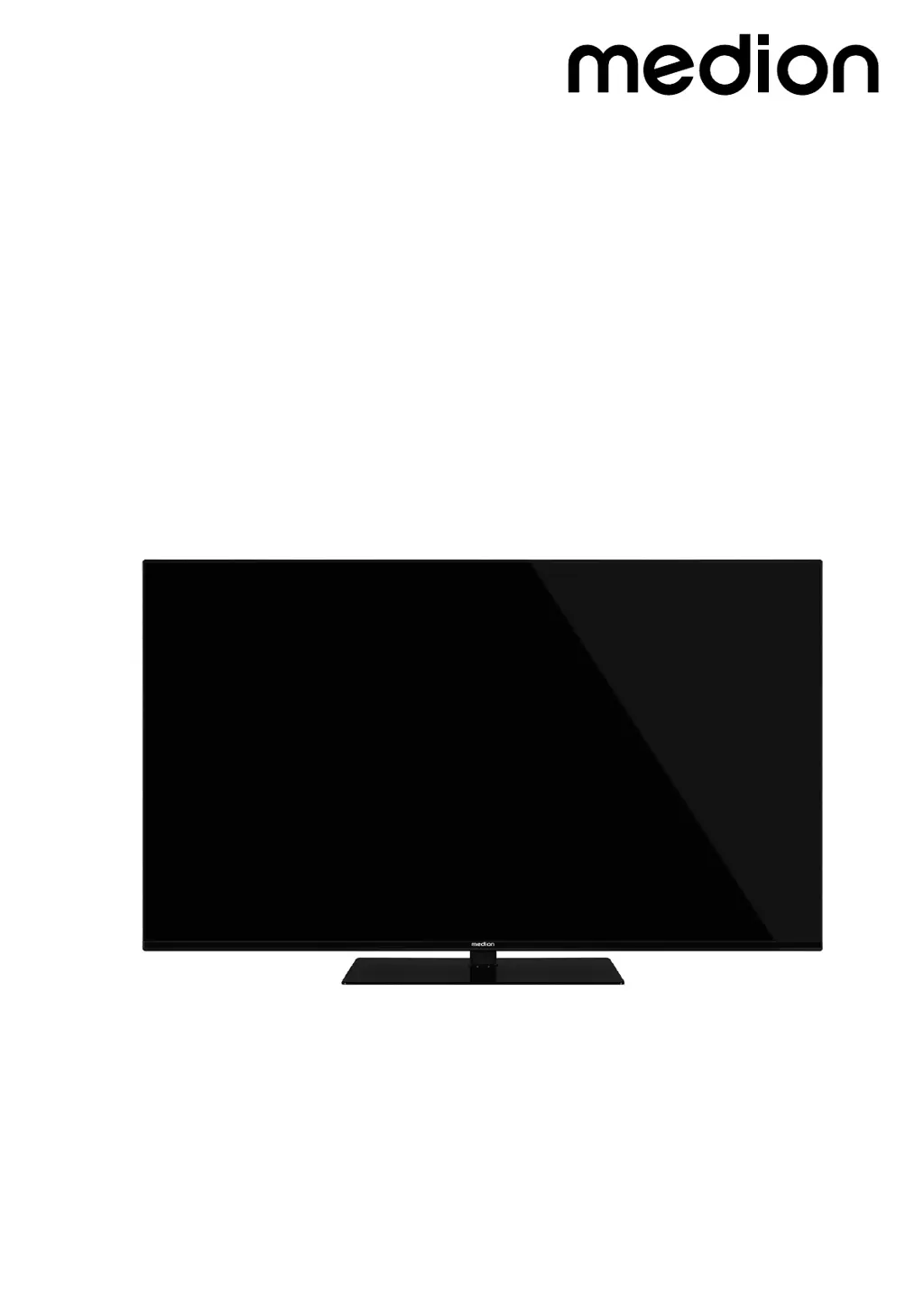
Medion LIFE X14314 - User Manual

Medion LIFE X14314
41 pages
Print Icon
To Next Page IconTo Next Page
Loading...
Operating instructions
X14314 (MD 30720) / X15020 (MD 30731) / X15524 (MD 30722) / X16517 (MD 30723)
MEDION LIFE
Ultra HD Smart-TV

Questions and Answers

  • V
    Veronica MartinSep 4, 2025
    How to fix no Bluetooth connection on Medion Smart TV?
    • C
      Cynthia FosterSep 4, 2025
      If you're experiencing no Bluetooth connection on your Medion Smart TV, ensure that all settings have been correctly specified on the device and that the Bluetooth function is enabled. Check whether the device to be connected is switched on and is in discoverable mode and that all settings have been correctly specified on the device to be connected and that the Bluetooth function is enabled.
  • J
    Jacqueline BoyleSep 18, 2025
    Why can't I establish a wireless display connection on my Medion LIFE X14314 Smart TV?
    • K
      Kenneth SmallSep 18, 2025
      If a wireless display connection cannot be established on your Medion Smart TV, check that all necessary settings have been made.
  • D
    Dr. Laura SmithSep 16, 2025
    Why is the multifunction button not working on my Medion LIFE X14314 Smart TV?
    • R
      Richard AllisonSep 16, 2025
      If the multifunction button on your Medion Smart TV is not working, the child lock might be on.
  • D
    davisfranciscoSep 14, 2025
    How to improve wireless network reception on Medion Smart TV?
    • J
      John SalazarSep 14, 2025
      If you are experiencing no or poor reception via a wireless network connection (WLAN) on your Medion Smart TV, ensure that all necessary settings have been made.
  • B
    birdmichaelSep 13, 2025
    Why are there stripes on the screen or faded colors on my Medion Smart TV?
    • H
      hcurrySep 13, 2025
      If there are stripes on the screen or the colors are faded on your Medion Smart TV, it could be due to interference from another device. Operate the device as far away as possible from the device that might be causing the interference.
  • S
    Sandra CarrollSep 12, 2025
    Why is the picture on my Medion LIFE X14314 pixellated?
    • M
      Meredith VargasSep 12, 2025
      If the picture on your Medion Smart TV is pixellated, it might be due to interference from cars, trains, power lines, or neon lights. There might also be interference between the antenna and power cables, so try positioning the cables further apart.
  • H
    henryharrellSep 9, 2025
    Why can't I open the menu on my Medion LIFE X14314 Smart TV?
    • A
      Alison RollinsSep 9, 2025
      In some cases, the menu of the device connected via HDMI opens. This is dependent on the source device and must be supported accordingly. Check whether CEC is enabled and try changing the input source.
  • E
    Elizabeth MurphySep 7, 2025
    Why does my Medion Smart TV show a double or triple picture?
    • G
      grahamdanielleSep 7, 2025
      If your Medion Smart TV is showing a double or triple picture, check if the antenna is aligned properly. Waves might be reflected off buildings or mountains.
  • M
    Michael AguirreSep 6, 2025
    Why is there no picture or sound but noise on my Medion LIFE X14314 Smart TV?
    • W
      williamswilliamSep 6, 2025
      If you can hear noise but there's no picture or sound on your Medion Smart TV, the reception might be poor. Check if the antenna is connected properly.
  • M
    Margaret FreyAug 21, 2025
    How to fix a Medion LIFE X14314 with no picture and sound?
    • J
      James EllisonAug 21, 2025
      If your Medion Smart TV has no picture and no sound, ensure the power cable is properly inserted into the socket. Also, verify that the signal reception is set to TV.

Medion LIFE X14314 Specifications

General IconGeneral
BrandMedion
ModelLIFE X14314
CategorySmart TV
LanguageEnglish

Related product manuals