EasyManua.ls Logo

Medion LIFE X14320 - User Manual

Medion LIFE X14320
80 pages
Print Icon
To Next Page IconTo Next Page
Loading...
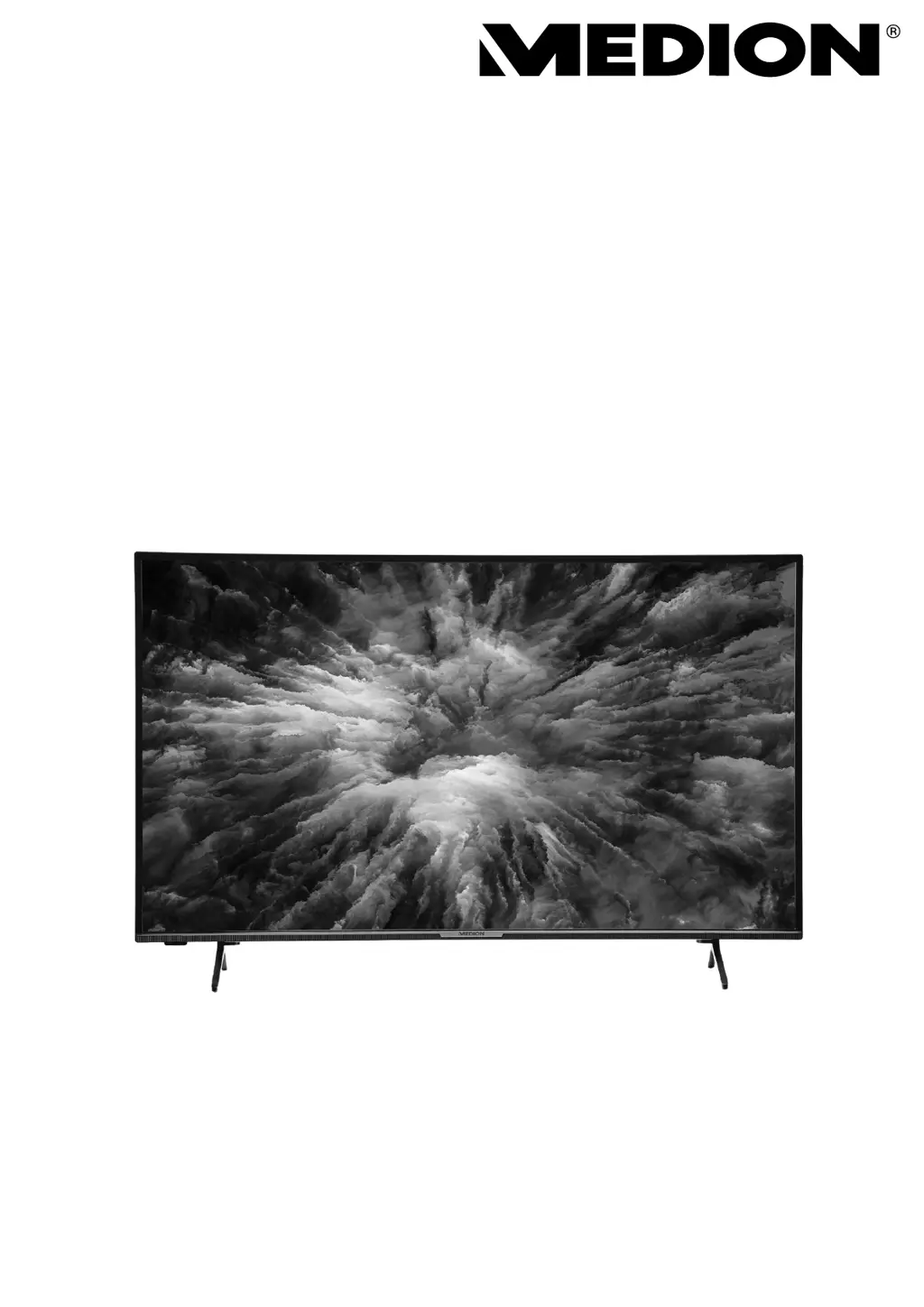
User manual
X14320 (MD 33980) / X15011 (MD 33981) / X15520 (MD 33982) / X16505 (MD 33990)
MEDION
®
LIFE
®
Ultra HD Android
TM
LCD Smart-TV

Questions and Answers

  • D
    Douglas ScottAug 19, 2025
    What to do if my Medion LIFE X14320 has no sound?
    • M
      Matthew WillisAug 19, 2025
      If your Medion Smart TV has no sound, make sure the volume isn't set to the minimum level. Also, check that the mute setting is not active by pressing the button with the crossed-out loudspeaker symbol on the remote control.
  • S
    Shannon DanielAug 21, 2025
    Why is there no picture or sound on my Medion Smart TV?
    • J
      Justin WilliamsAug 21, 2025
      If your Medion Smart TV shows no picture and produces no sound, try these steps: First, make sure the mains cable is properly inserted into the socket. Second, verify that the signal reception is set to TV.
  • P
    Phillip Brooks DDSAug 25, 2025
    How to fix pixelated picture on Medion LIFE X14320 Smart TV?
    • K
      Kelli JonesAug 25, 2025
      Pixelated pictures on your Medion Smart TV can be caused by interference from cars, trains, power lines, or neon lights. Another potential cause is interference between the antenna and power cables; try positioning the cables further apart.
  • R
    Raymond FloresAug 26, 2025
    What to do if my Medion LIFE X14320 Smart TV picture is not clear?
    • L
      Lori MillerAug 26, 2025
      If the picture on your Medion Smart TV is not clear, the reception might be poor. Check if the antenna is connected properly.
  • C
    Christine WilliamsonAug 28, 2025
    Why is my Medion LIFE X14320 Smart TV picture not sharp?
    • N
      Nathan NelsonAug 28, 2025
      If the picture on your Medion Smart TV is not sharp, it could be due to poor reception. Check if the antenna is connected properly. You can also check the sharpness and noise reduction settings in the BILD menu.
  • C
    Cody GomezAug 30, 2025
    What to do if Medion LIFE X14320 switches off by itself?
    • S
      Samuel KnappAug 30, 2025
      If your Medion Smart TV switches off unexpectedly, check whether the automatic switch-off function is activated under POWER in the settings.
  • R
    Robert JohnsonSep 1, 2025
    How to fix double or triple picture on Medion Smart TV?
    • M
      michaelramirezSep 1, 2025
      If you're seeing a double or triple picture on your Medion Smart TV, check if the antenna is aligned properly. The issue might also be due to waves reflected off buildings or hills.
  • M
    Mr. Logan CunninghamSep 3, 2025
    What to do if Medion Smart TV picture is too bright or too dark?
    • D
      Denise PetersSep 3, 2025
      If the picture on your Medion Smart TV is too bright or too dark, check the contrast and brightness settings.
  • J
    Jason StevensSep 5, 2025
    What to do if my Medion Smart TV has no AV picture?
    • J
      Justin JohnsonSep 5, 2025
      If there is no AV picture on your Medion Smart TV, check that the contrast and brightness settings are correct. Ensure all external devices are properly connected and that you have selected the correct AV source. Also, a signal source that you wish to select with or (SOURCE), must be activated in the SETTINGS > DEVICE PREFERENCES > INPUTS menu.
  • S
    sdudleySep 8, 2025
    What to do if my Medion LIFE X14320 has no picture but I can hear noise?
    • C
      christophergibsonSep 8, 2025
      If your Medion Smart TV has no picture but you can hear noise, the reception might be poor. Check if the antenna is connected properly.

Medion LIFE X14320 Specifications

General IconGeneral
BrandMedion
ModelLIFE X14320
CategorySmart TV
LanguageEnglish

Related product manuals