U
U
K
K
/
/
N
N
.
.
I
I
R
R
E
E
L
L
A
A
N
N
D
D
H
H
E
E
L
L
P
P
L
L
I
I
N
N
E
E
0
0
8
8
7
7
0
0
7
7
2
2
7
7
0
0
3
3
7
7
0
0
R
R
E
E
P
P
.
.
I
I
R
R
E
E
L
L
A
A
N
N
D
D
H
H
E
E
L
L
P
P
L
L
I
I
N
N
E
E
1
1
-
-
8
8
0
0
0
0
-
-
9
9
9
9
2
2
5
5
0
0
8
8
22
5. Adjusting the
frequency
A connection will already have been set at
the factory so no adjustment will be
necessary. However, at any stage in the
future if the mouse does not react an
adjustment will be necessary. To adjust the
frequencies of the mouse and receiver:
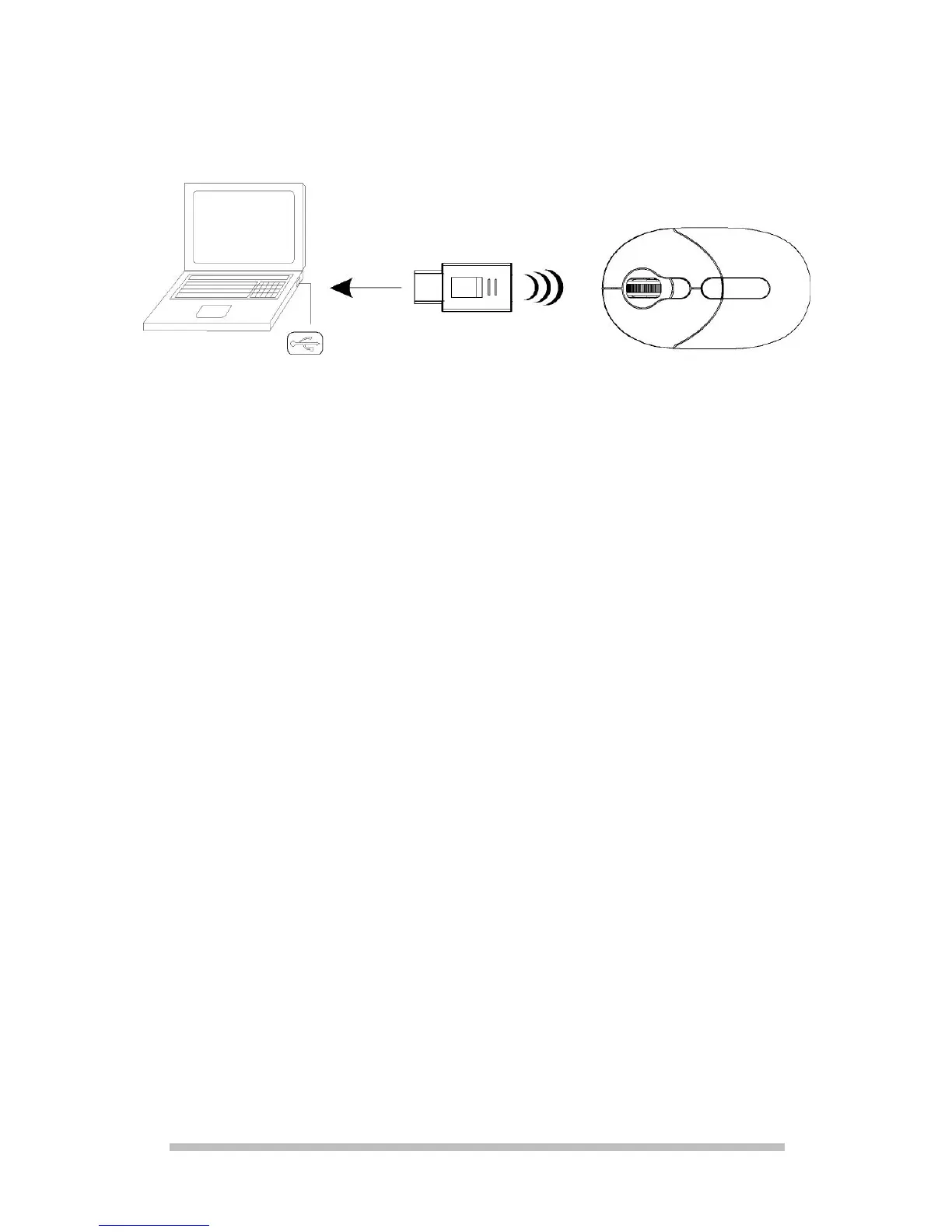
1. Bring the mouse close (approx. 50 cm
away) to the receiver.
2. Now press the frequency adjustment
button [I] on the base of the mouse.
3. The automatic setting will function
immediately, if a fault should arise
repeat the process. A new frequency
combination will be selected
automatically.



 To Next Page