D-0123003-B 05/2019
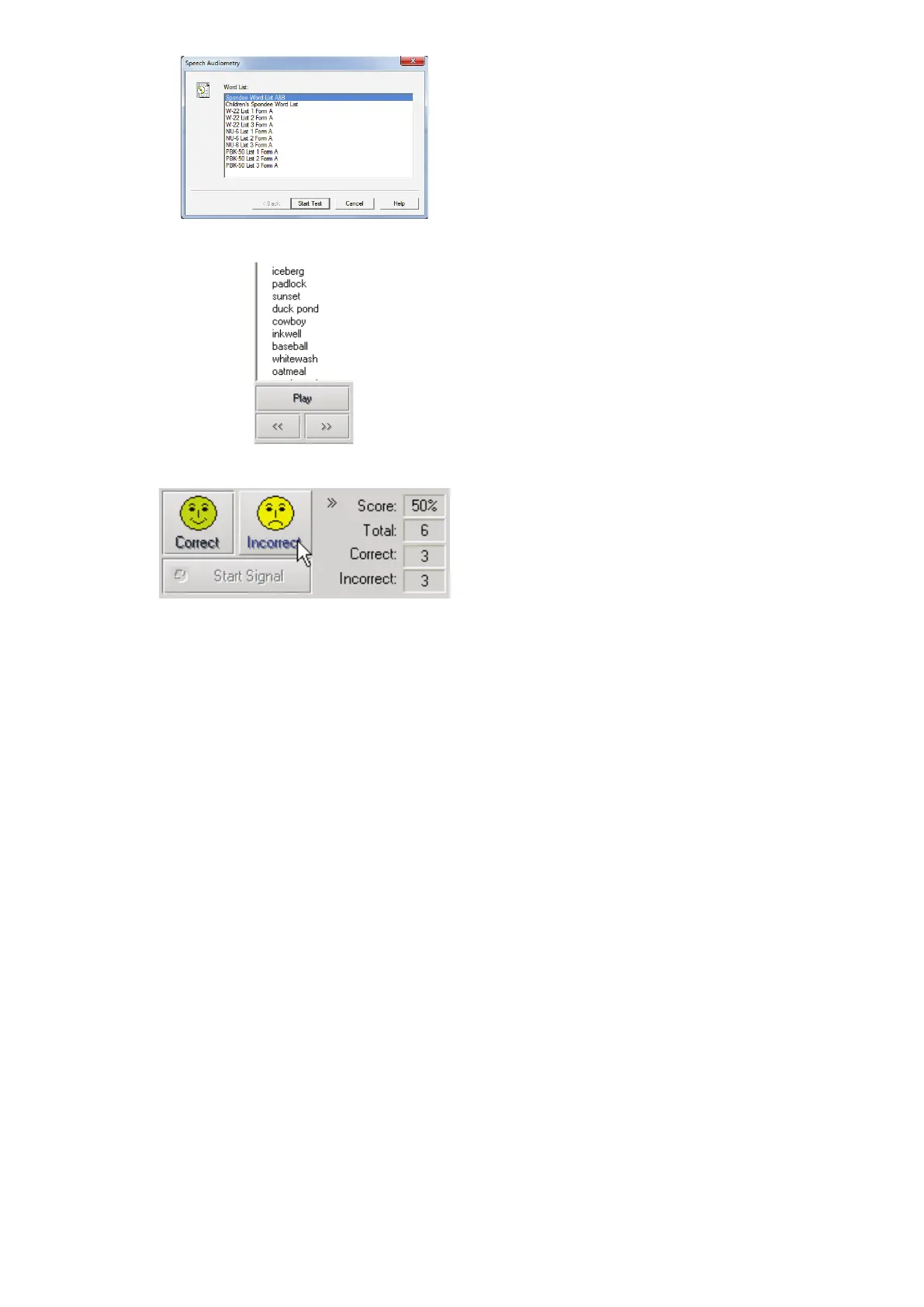
4. Select Spondee Word Lists A&B
from the list.
5. Click Start Test.
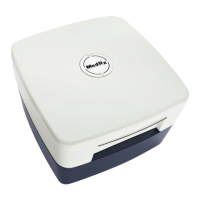
6. Click the Play button or press the F9
key to present a word. The word will
play through the chosen transducer
as well as display on the screen.
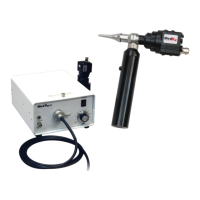
7. If the patient correctly repeats the
word, click the Correct icon or
press F7.
8. If the patient incorrectly repeats the
word, click the Incorrect icon or
press F8.
Note that the score is calculated and displayed automatically.
If the patient exceeds a 50% score at a given presentation level, stop the test and decrease
the level by 10 dB and repeat the steps above.
If the patient fails to achieve a 50% score after 6 words at a given level, stop the test, raise the
level 5 dB and repeat the steps above.
When the patient scores 50% at a given level, the test is complete. The software
automatically plots the score on the SRT graph.


 To Next Page