D-0123003-B 05/2019
Printing
Printing within the Avant Audiometer software is very simple.
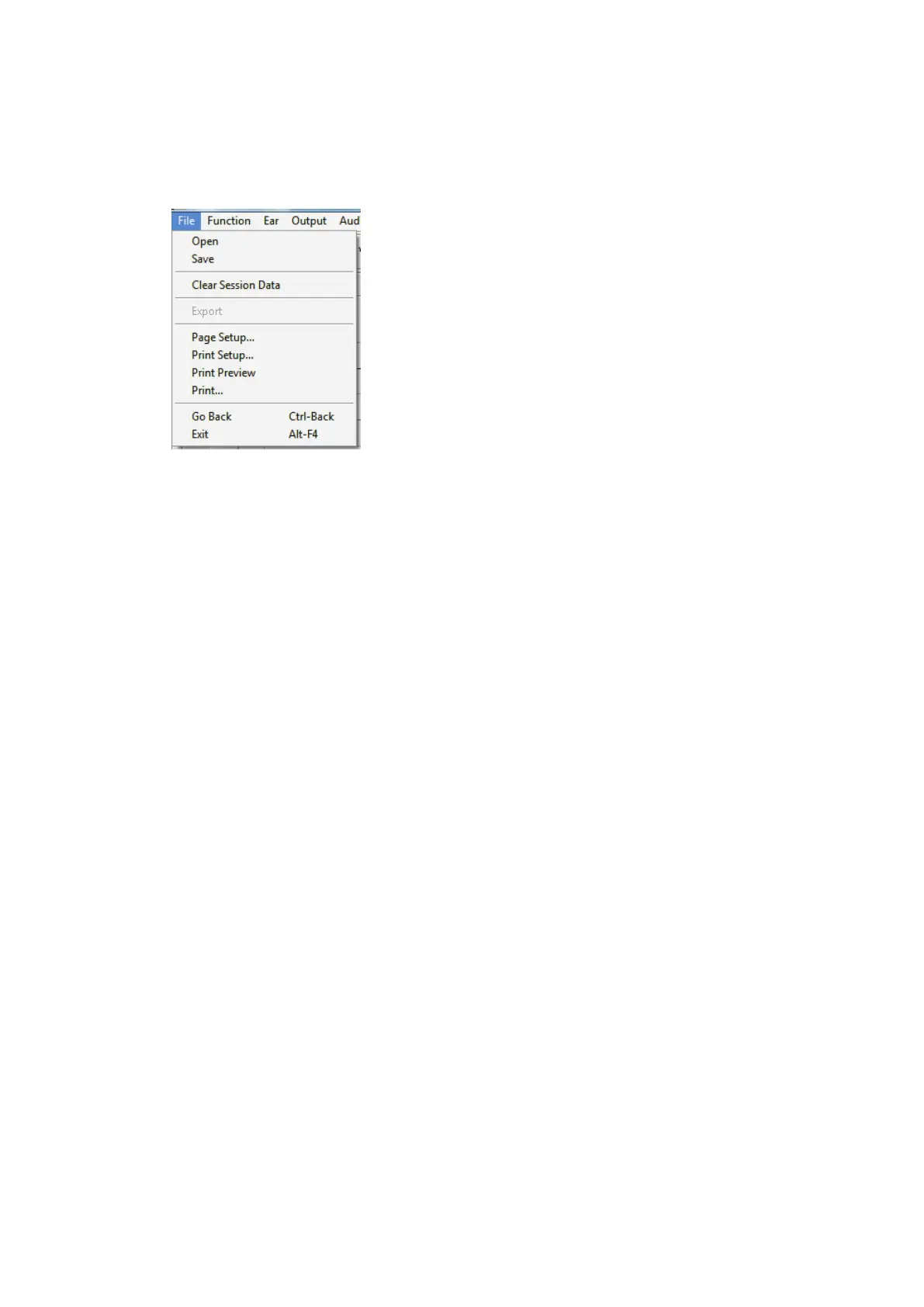
From the File menu, click one of the following options:
Page Setup – Allows you to set margin sizes and the
default text header for your reports.
Print Setup – selects the printer you want the report
to be sent to.
Print Preview – Shows you what your report will look
like before you print it.
Print – Sends the report to the printer. This option
opens the Windows Print dialog which allows the user
to select any installed printer and modify the
properties (quality, number of copies, etc.) for the
print job.


 To Next Page