D-0123003-B 05/2019
How to use the Master Hearing Aid:
1. Select the Master Hearing Aid (MHA) icon from the main screen.
2. Enter the Audiogram values manually if the data is not automatically imported to this
screen.
3. Select the input signal type: File, CD, Mic, or Record.
4. Select Monaural or Binaural.
5. Select the Normal icon which will send the input signal through to the inserts without
modification. The patient is listening to the signal without any amplification benefit.
Select the Simulate icon to modify the input signal according to the selected rule.
This selection allows the patient to hear the benefits of amplification. Toggle between
these two selections as necessary.
6. If the simulated frequency response needs to be adjusted, based on feedback from the
patient, manually edit the response by clicking on the gain curve at the desired
frequency and new gain level. The gain curve of the selected test ear on the control
panel can be edited. To edit the other ear, click the appropriate test ear icon on the
control panel first.
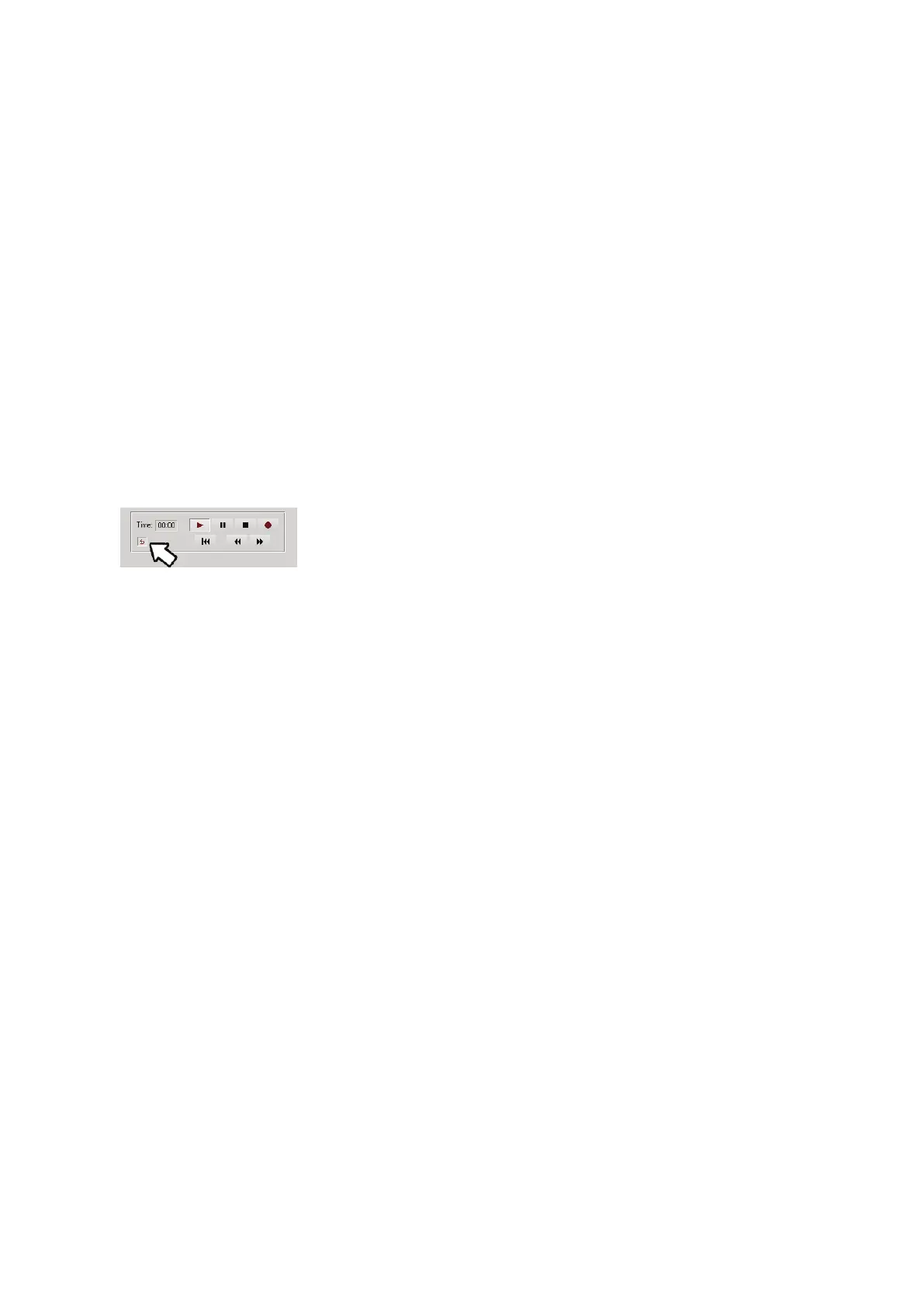
Hint: Use the track return icon on the player control panel to
replay one track continuously.
The Reset option restores the rule to the original state. Use
this option if you have modified the rule but want to undo the


 To Next Page