D-0123003-B 05/2019
Speech MCL & Speech UCL
The patient’s most Comfortable Level and Uncomfortable Level for speech can be
obtained while you are in Work Recognition (WR).
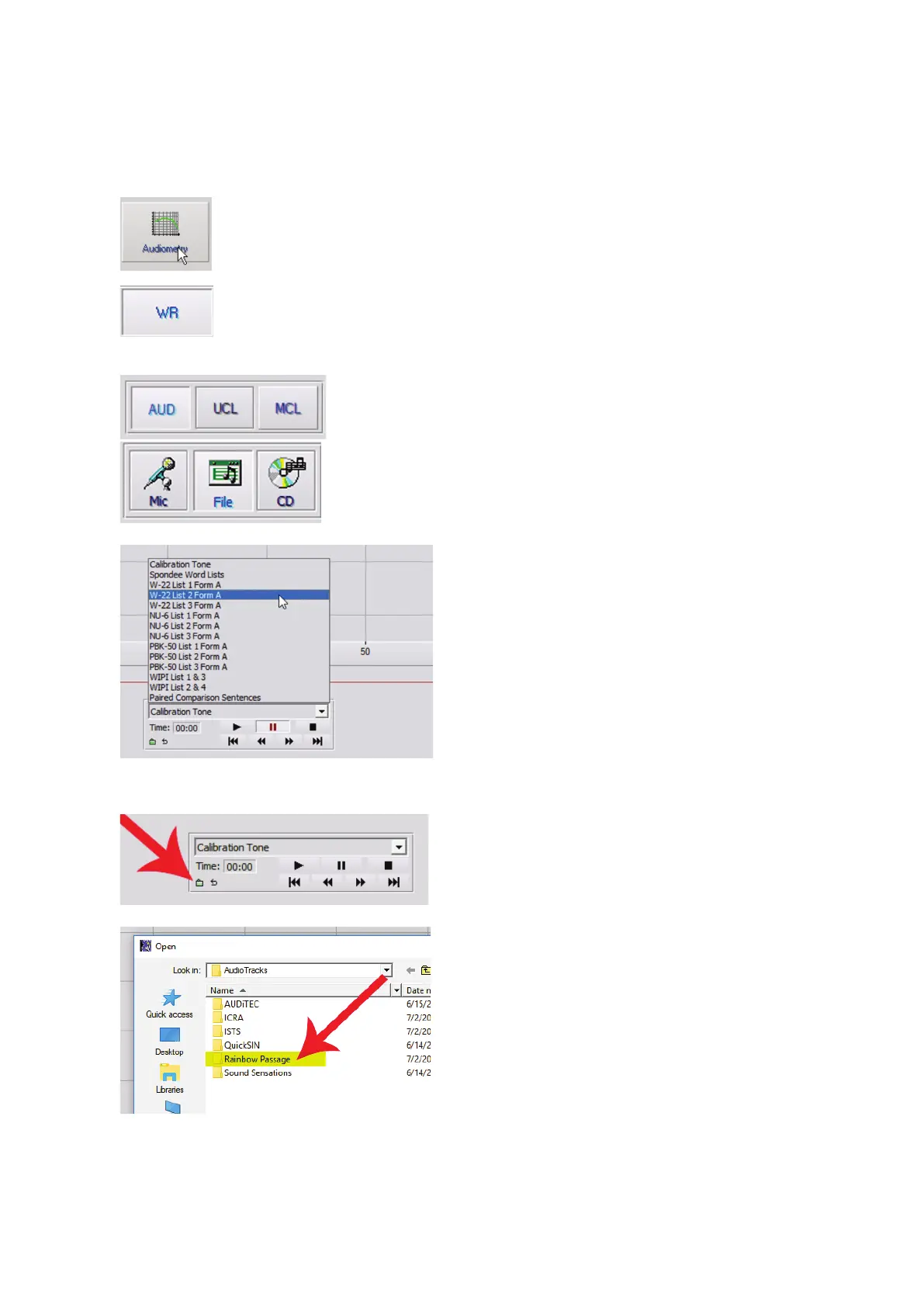
1. From the Avant main screen,
Click the Audiometry button.
2. Click the WR button located on
the toolbar on the top of the screen.
3.
Click
or
4. Choose an input option.
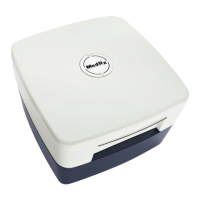
5. If you selected File or CD, select the
track you would like to play for the
test in the media player at the
bottom of the screen.
When you have selected your track in the
media player, click play on media player or
hit the spacebar to start.
Adjust levels up or down with keyboard
arrows or by clicking below the dB level at
the bottom of the graph.
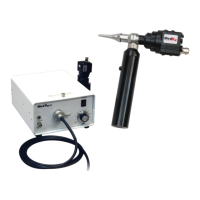
6. To Input & Calibrate the Rainbow Passage
in WR for MCL:
a. Press small Green file folder in bottom
left of media player.
b. Select Rainbow Passage by double
clicking twice.


 To Next Page