D-0123003-B 05/2019
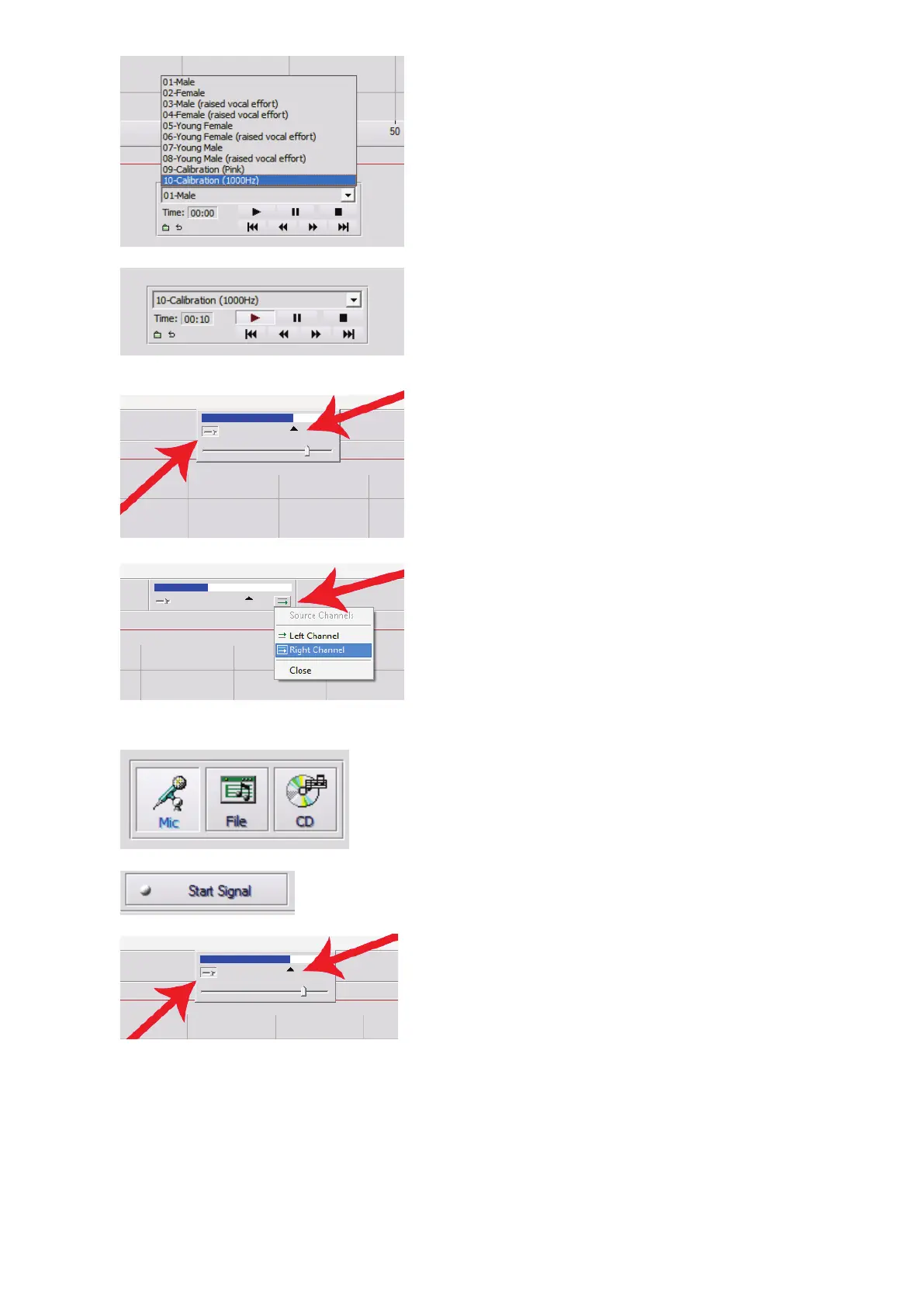
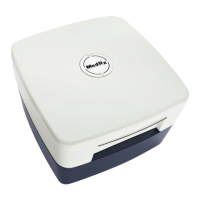
c. Use the drop down in the media player
and select track 10 – Calibration
(1000Hz).
d. Click play or start signal.
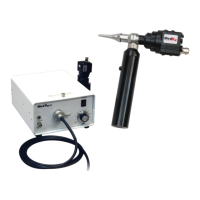
e. On the VU meter at the top of the
screen, press the slider calibration icon
just below and to the left of the VU
meter.
f. Adjust with mouse or arrow keys so that
the blue bar stops over the black arrow
and there is no red.
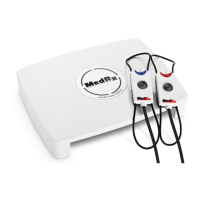
g. Click on the channel icon just below
and to the right of the VU to switch
channels.
h. Repeat steps d - f for the remaining
channel.
Note: This calibration also needs to be
done with any custom word list.
7. When using the Mic or live voice option
make sure you press the Start Signal or
space bar to begin.
8. When using the Mic option adjust your
input using the slider so that it is peaking at
the black triangle under the VU meter.
The VU meter is at the top of the MedRx
Software and will become active once you
press Start Signal.


 To Next Page