D-0123003-B 05/2019
Step 2: Find Identified Tinnitus Threshold
1. Use down arrow on your keyboard to
lower stimulus until patient states
they are no longer able to hear the
tinnitus.
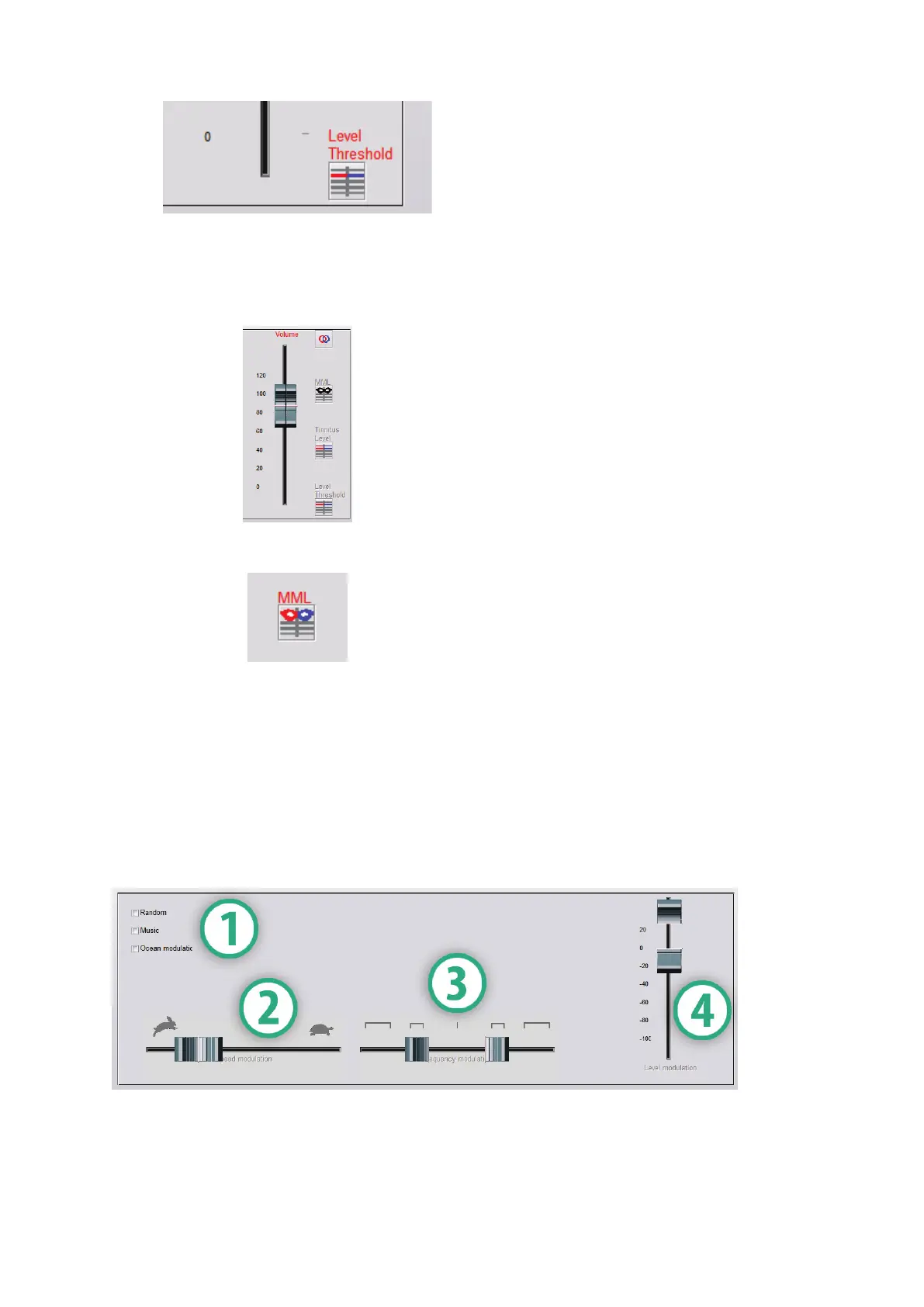
2. Click Threshold Level button.
Step 3: Masking Tinnitus for 60 Seconds
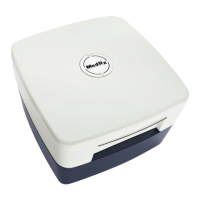
1. Use volume slider to increase
intensity of the stimulus until the
patient states they are no longer able
to hear their tinnitus.
NOTE: Lower levels of masking may be
achieved by increasing bandwidth of
the masking stimulus. Pulsating the
masking noise can prevent tinnitus
adaptation.
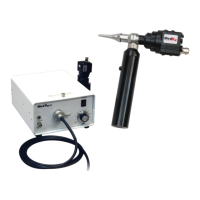
2. Press the MML button and continue
presenting stimulus until 60 second
countdown ends.
3. If patient begins to hear their tinnitus
within the 60 seconds, raise intensity
until masking is achieved and repeat
Tinnometer Modulation Tab
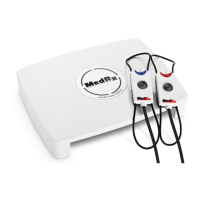
The Tinnometer modulation tab is designed to simulate sound generators
when hearing aid demonstrations cannot be performed. The following are
controls used in Modulation.
1. Type of modulation Sound
3. Frequency of modulation
4. Modulation volume range


 To Next Page