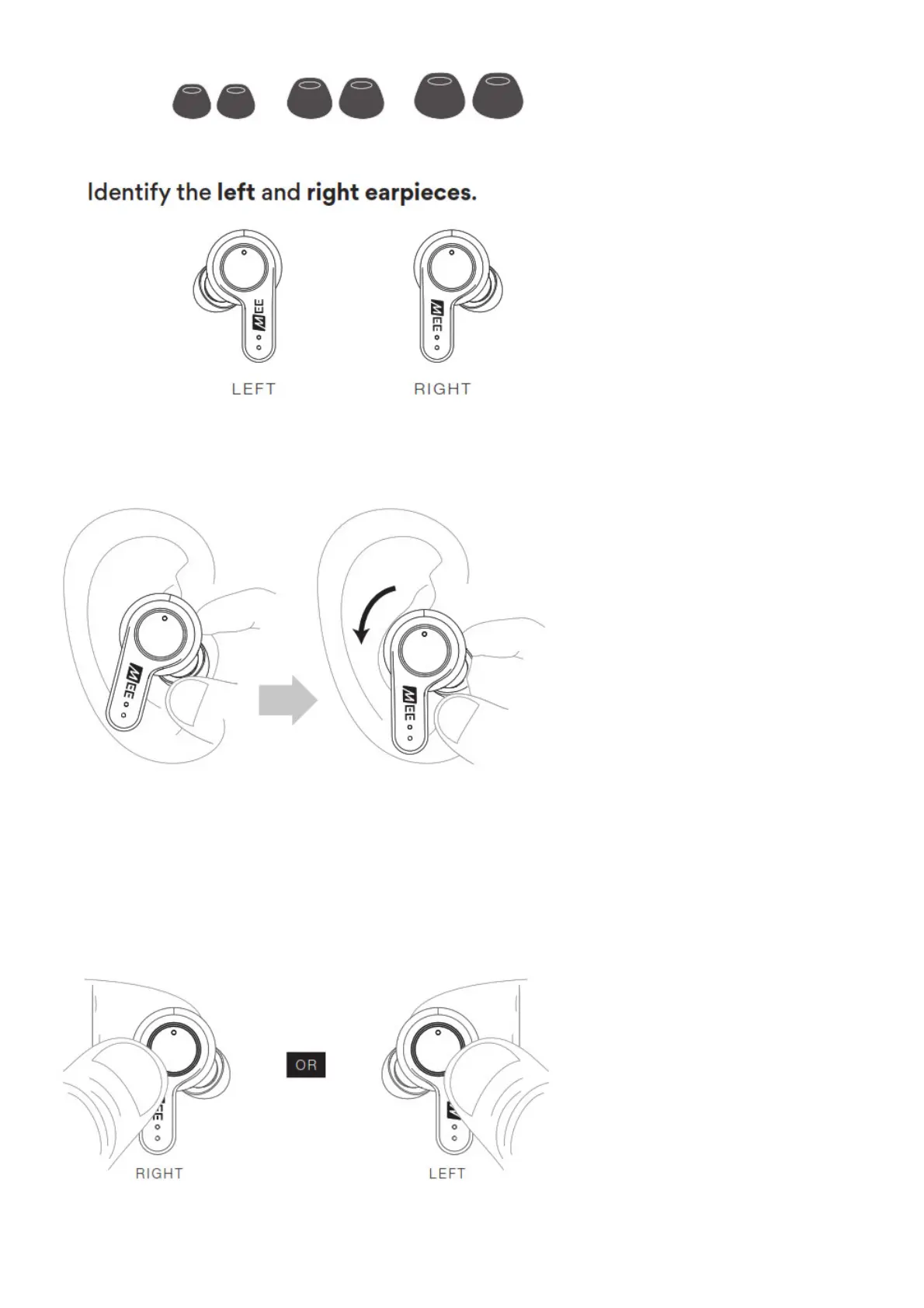
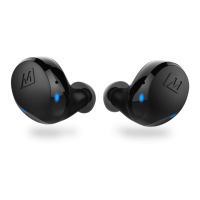
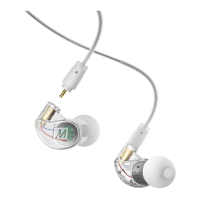
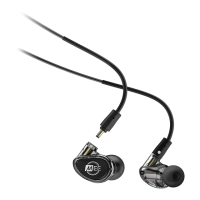
Put each earpiece in the corresponding ear.
Adjust each earpiece until it fits flush in your ear and the eartip seals the ear canal. If your music
sounds tinny or lacks bass, try different eartips.
STEP 4: ACTIVE NOISE CANCELING (ANC)
Press and hold the touch panel on either earpiece for 2 seconds to enable or disable the Active Noise
Canceling (ANC) function. A voice prompt will provide the ANC status.
HOLD touch panel on either earpiece for 2 secs



 To Next Page