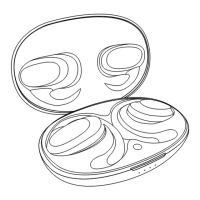
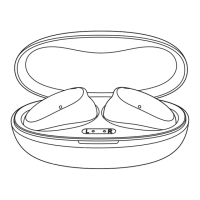
PAIRING NEW DEVICES
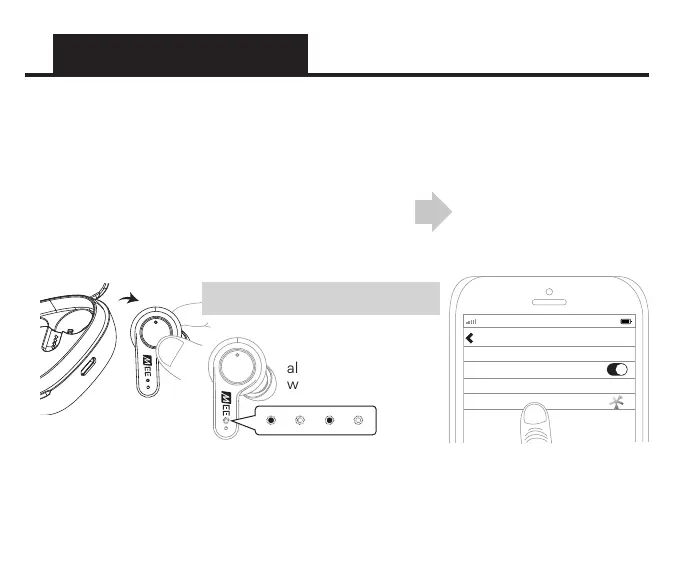
To manually enter pairing mode:
Remove right earpiece from case, press and hold
the touch panel for 10 seconds to power it off,
release the touch panel, then press and hold it again
for 5 seconds again until the blue and white lights
flash indicating pairing mode.
When removed from the charging case, the X20 will automatically enter Bluetooth
pairing mode if a previously paired device is not found. Select “MEE audio X20” in the
Bluetooth menu of the new device you wish to pair to complete the pairing process.
Select “MEE audio X20”
in the Bluetooth menu of
the new device you wish
to pair to complete the
pairing process.
Pairing mode is
indicated by flashing
alternating blue and
white lights
AT&T LTE
12:26 PM
95%
Bluetooth
Settings
MEE audio X20
Bluetooth
Earpiece Indicator Lights


 To Next Page