TROUBLESHOOTING
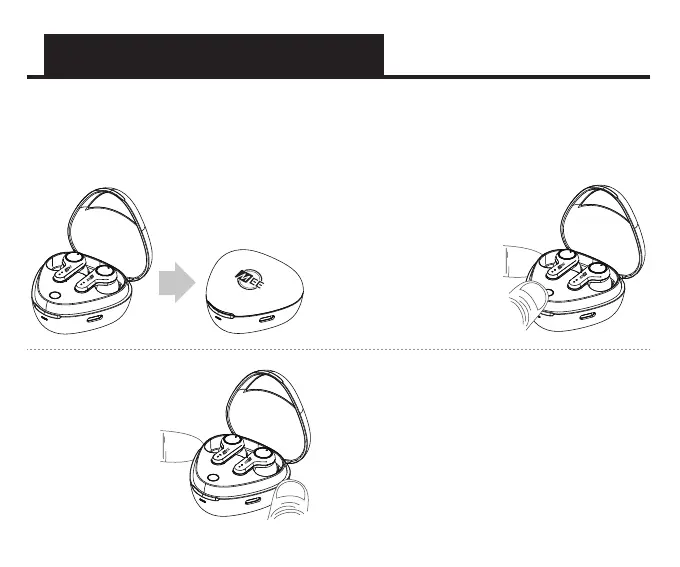
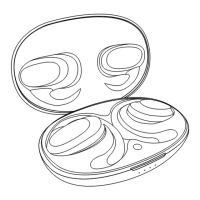
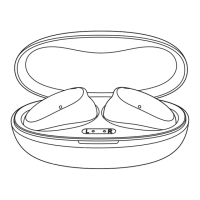
1) Place both earpieces in the case
and close the lid
2) Open the lid, then press and
hold the reset button on the
case for approximately 10
seconds, until you see a
solid white light on both
earpieces
3) Release the button
and allow the reset
process to complete
4) Once you see alternating blue and
white lights on the right earpiece
indicating that the earphones are in
pairing mode, follow the instructions in
the “PAIRING” section to create a new
pairing with your device
A factory reset can be used to restore all features to their factory settings and delete all
previous Bluetooth pairings from memory.


 To Next Page