EN
52
– English (imperial)
– Metric (SI)
FIG. 6
5. Press the ENTER button to save the setting and
return to previous menu.
OBD II DIAGNOSIS
NOTE:
The engine and ignition must be switched o when
connecting or disconnecting the test equipment.
1. Switch o the ignition.
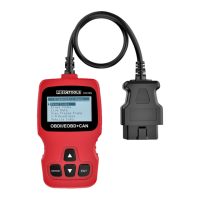
2. Localise the 16-pin diagnostics connector (DLC).
3. Connect the test cable to the diagnostics connector.
4. Switch on the ignition.
5. Press the ENTER button to go back to the main menu.
Browse to Diagnostics with the arrow buttons.
FIG. 7
6. Press the ENTER button to conrm.
NOTE:
If the message LINKING ERROR is shown on the display:
• Check that the ignition is switched on.
• Check that the diagnostics connector on the test
equipment is correctly connected to the diagnostics
connector in the vehicle.
• Switch o the ignition, wait about 10 seconds and
then switch it on and repeat from step 5 above.


 To Next Page