Reel Opertion
Use reel can set the address code and function code easily.
Check or modify lighting function settings, rotation the REEL. LCD display panel will display main menus.
Function operation menu all have corresponding submenu . Each menu all represent the specific functions of
lamps, specific see below "operation menu" section.
Set or browse function setting of lamp, Rotataion REEL key.
Press ENTER key to save your changes or to enter submenu
Operation Menu:
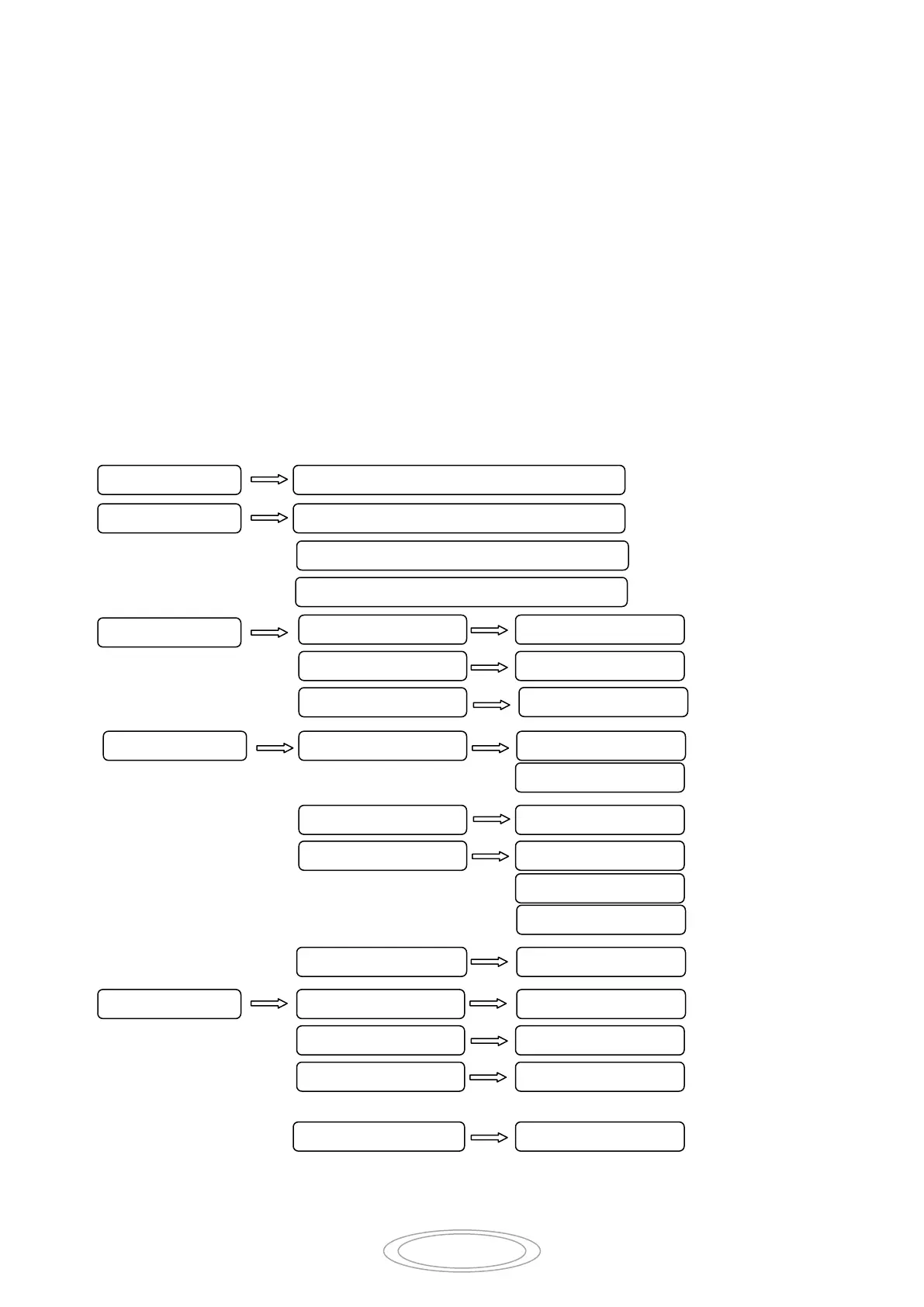
Menu Structure chart
Main Menu Sub Menu
…… ……
-255
-255
-255
-255



 To Next Page