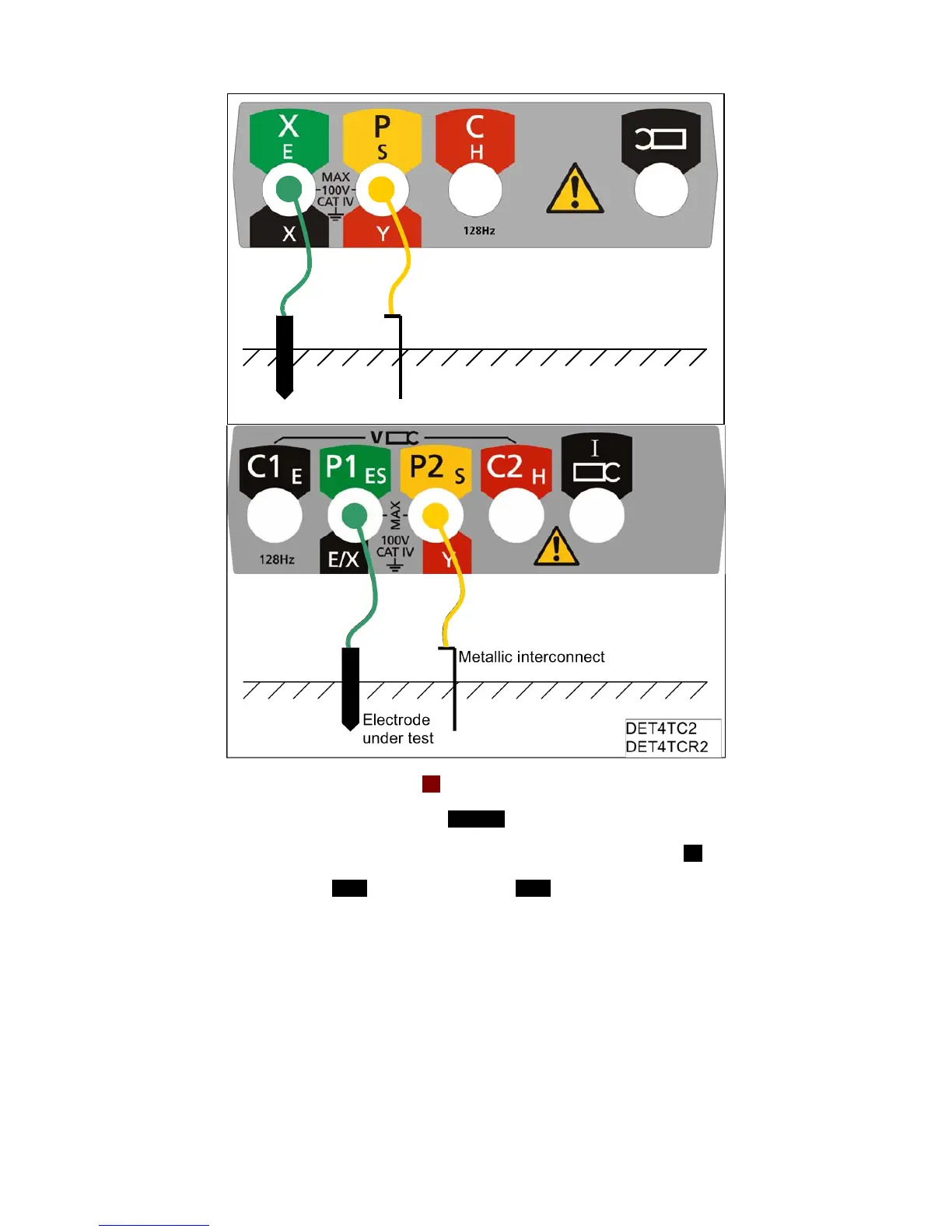
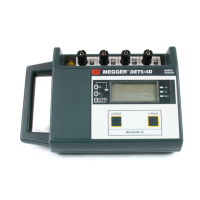
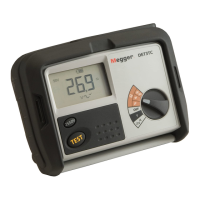
3. Set the rotary selector switch to the 2P position.
4. Select the desired test voltage using the 25V/50V button.
5. DET4TC2 and DET4TCR2 only: Select the desired test frequency using the Hz button.
6. Press and release the TEST button (by holding the TEST button, the resistance measurement will
be continually updated).
7. The instrument will perform pre-measurement check, the status of which will be indicated on the
display.
8. The two-terminal resistance reading will be displayed as shown in Figure 14.



 To Next Page