M
AVTMMTO3xx Rev 3 Sept 2013
24
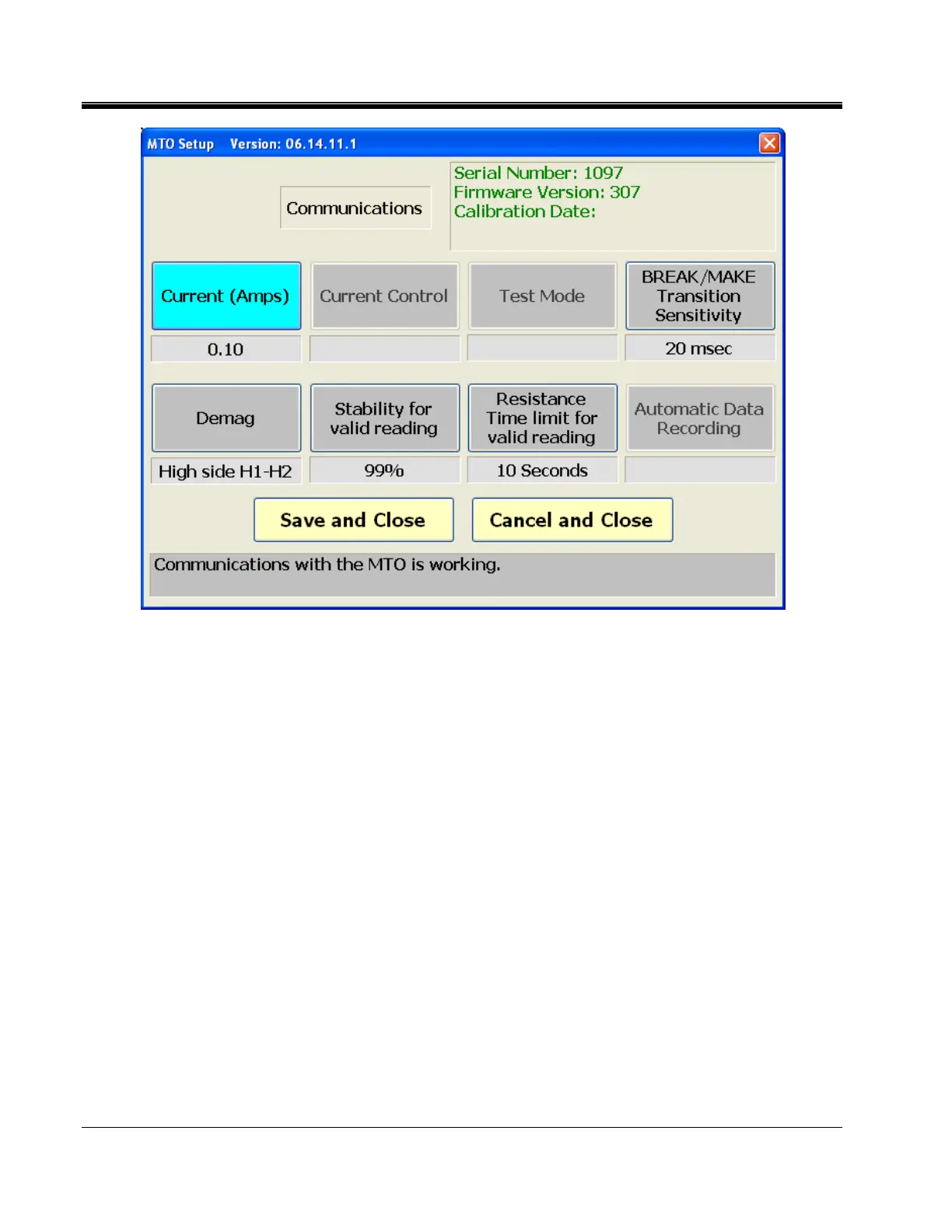
a. The Title Bar for this window displays the program title (MTO Setup) and
the version number of the program.
b. Communications button – Indicates that the MTO is connected and
communicating with the top panel (MTO330) or PC (MTO300).
i. Green flashing and display of instrument serial number, firmware
and calibration date indicate proper operation.
ii. Red with no information means there is a communications
problem.



 To Next Page