Transformer Testing
AVTMTO3XX Rev 3 Sept 2013
25
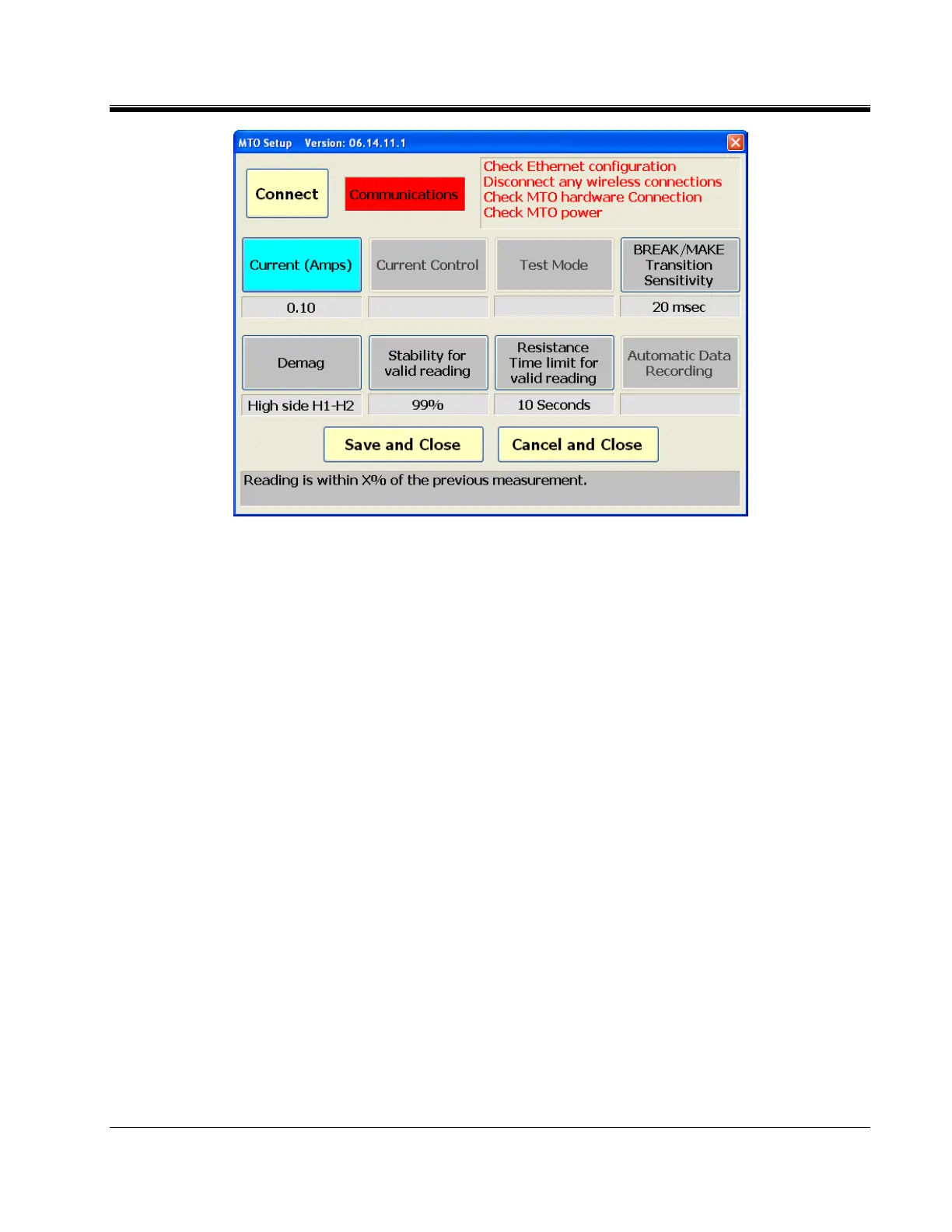
Check MTO Power,
Check to make sure the Ethernet wire is connected.
Disable any wireless connections.
Check Ethernet configuration.
a. Current (Amps) – pull down box for setting the current test level.
b. Current Transition (BREAK/MAKE) Sensitivity (For detecting a current
drop below 90% of the set current level) – This is a pull-down item that
displays the time it takes before a error occurs.
i. 0 = Off – The hardware will shut down if time exceeds
200milliseconds
ii. 1 = 80milliseconds
iii. 2 = 40milliseconds
iv. 3 = 20 milliseconds
v. 4 = 5 milliseconds
c. Demag – This is a pull-down item to select the current path for
demagnetization:
i. (H) High side H1-H2 recommended for all demagnetization
ii. (X) Low side X1-X2 added for special circumstances



 To Next Page