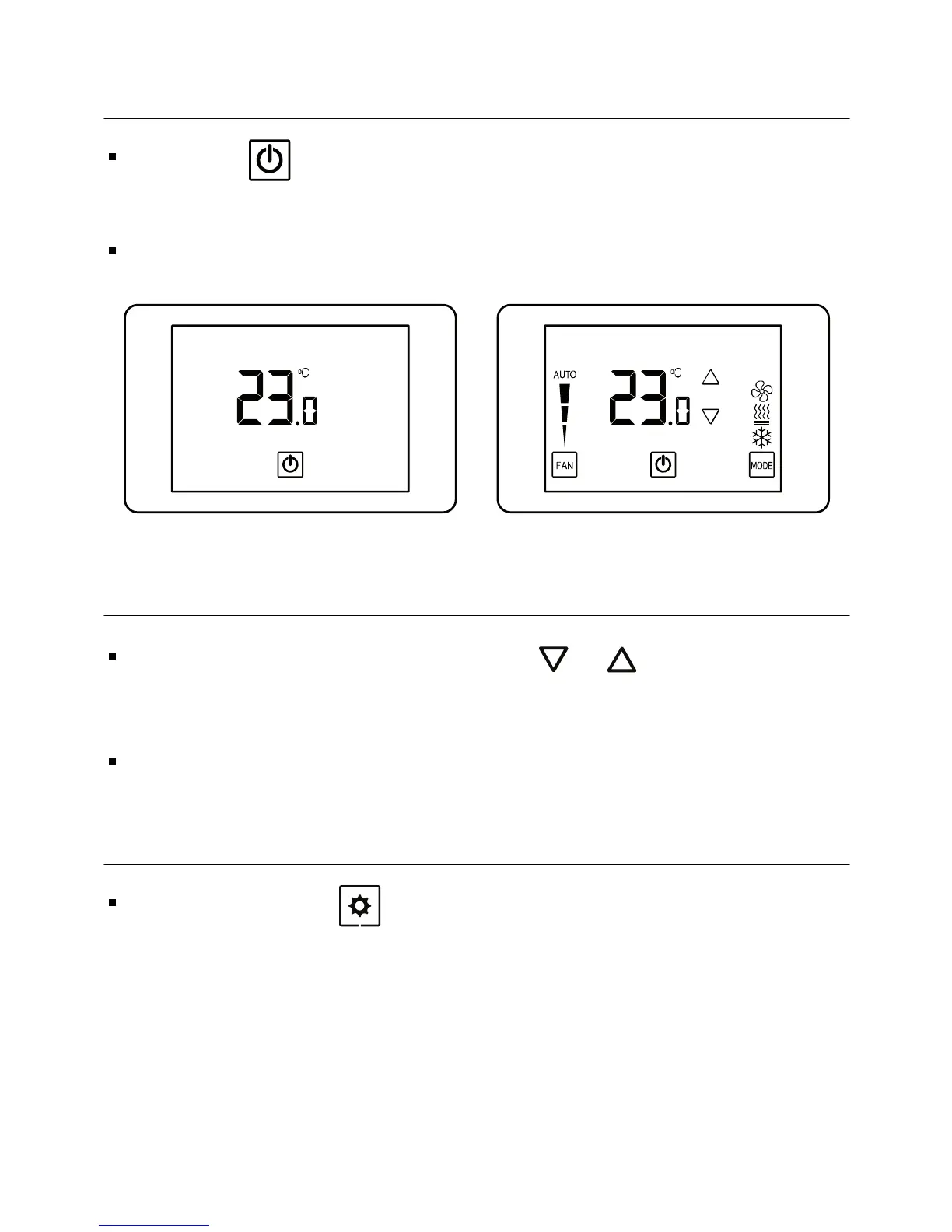
1.2 Turning the unit ON or OFF
Press the button to turn the unit ON – system mode and fan
speed symbols will appear on display.
Press again to turn the unit OFF – the symbols will disappear.
1.3 Adjusting the set-point temperature
While the thermostat is ON, press the or buttons – the
set-point temperature will flash.
Press again to adjust the set point.
Unit ONUnit OFF
-5 -
1.4 Switching between temperature scales
Press and hold the button to switch between temperature
scales.
Note: set-point must be other than 10ºC,11ºC/50ºF,51ºF



 To Next Page