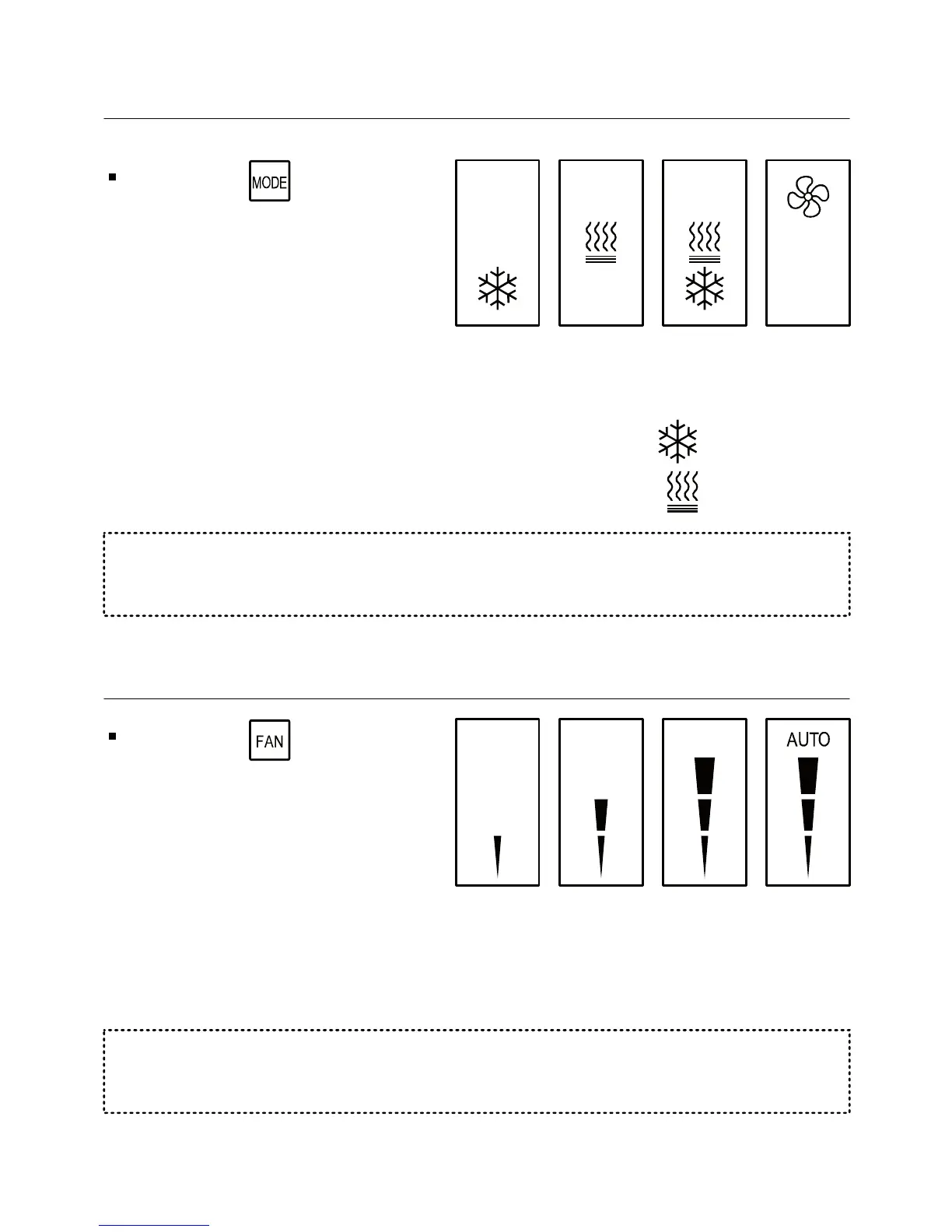
Press the button to
switch between system
modes:
1.5 Switching between system modes
Fan
only
Auto
mode
HeatCool
Notes:
- During demand for cooling (cooling active), the will flash.
- During demand for heating (heating active), the will flash.
1.6 Switching between fan speeds
Press the button to
switch between fan speeds:
Low
speed
Medium
speed
High
speed
Auto
speed
Note: When Auto speed Is
selected, the word “AUTO”
and the active fan speed
will appear on display
-6 -
The selection of system modes may be disabled depending on
system configuration.
The selection of fan speeds may be disabled depending on system
configuration.



 To Next Page