EMT16_MOS_v11_EMT16_Handout.pub 16 Rev: 080515
Sewing Caps
1. Load the Design
2. Set the Color Sequence
3. Select the Hoop
(Driver color / Cap Frame)
4. Set the Sewing Speed
5. Select Hat as the Garment Type
6. Set the Design Orientation
Flip upside-down for caps.
7. Center Cap (Center Hoop won’t work)
Careful - you may not be able to use the
laser to do this. Line up with the needle.
8. Trace Design
9. Adjust Presser Foot
10. Check that Pinch Rollers are
down
11. GO!
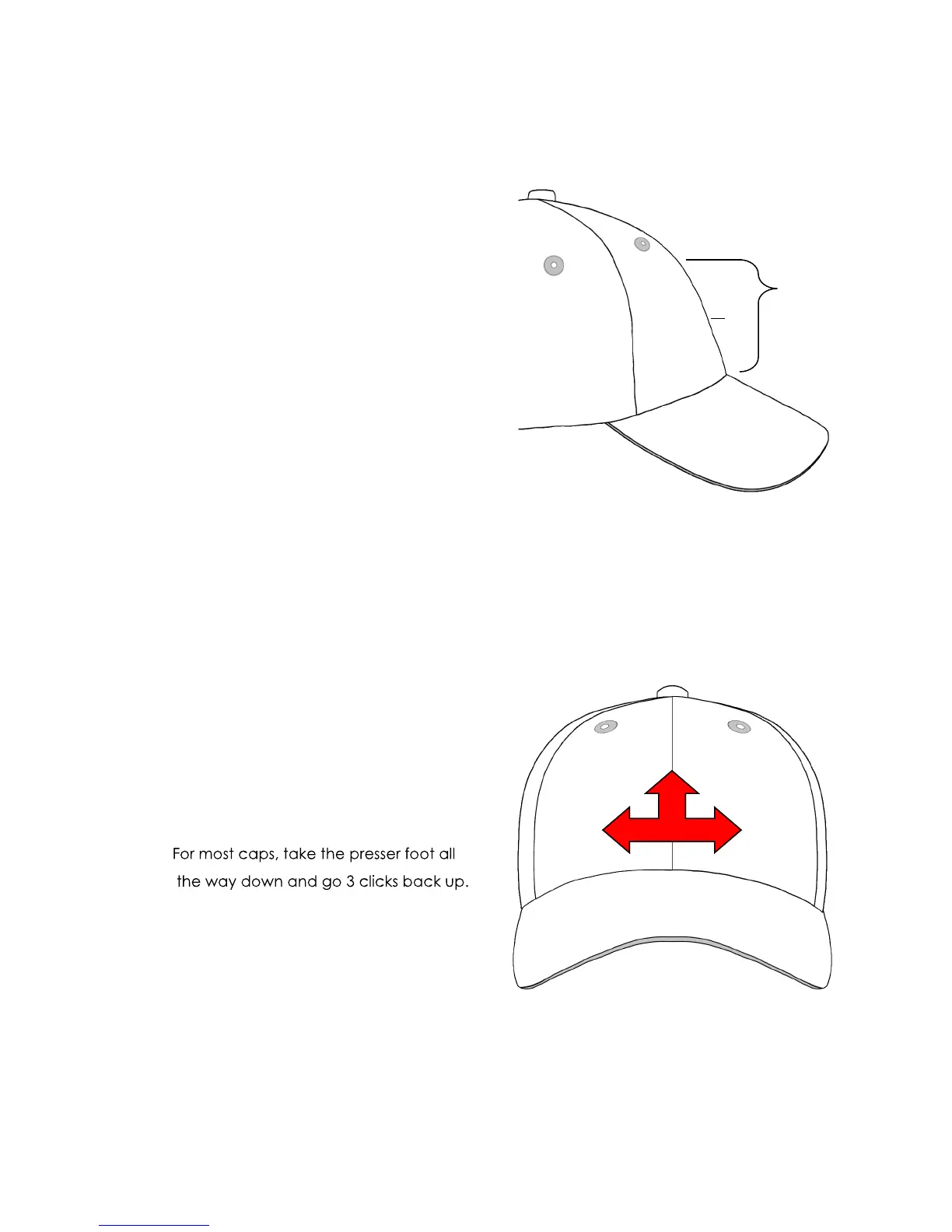
Measurements for Caps
X = Distance from bill to start of real curve
Y = Center point for design
X - 1” = safe zone
X - ½” = actual sew field
Sew Order for Cap Designs
1. Bottom Up
2. Center Out
3. Finish as you go
X
Y


 To Next Page