Commissioning the system
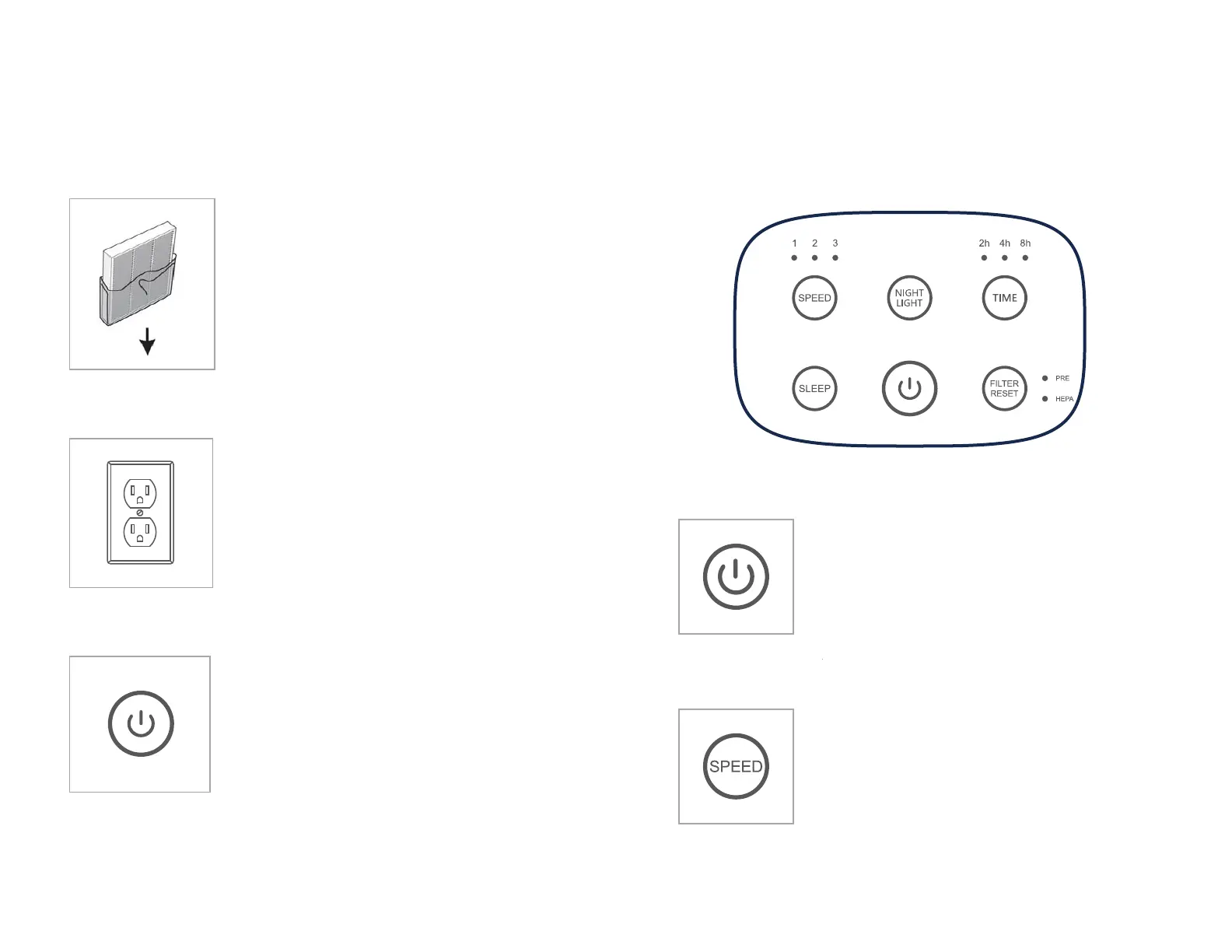
Step 1
Before using the air puri�ier for the �irst
time, open the rear cover and remove the
composite �ilter. Make sure to remove any
packaging from the �ilter element, or the
product will not function correctly.
Step 2
Plug the air puri�ier power plug into an
electrical outlet.
The puri�ier should now be in standby
mode.
Step 3
Push the power button once to turn the air
puri�ier on.
The puri�ier should now be in operating
mode.
6
Operating Guide
Control Panel
Power
Button
Press the Power button to put air puri�ier
into operating mode.
Press the power button a second time to stop
the air puri�ier and place it into standby
mode.
Fan Speed
Press Fan button repeatedly to cycle through the
different speed settings.
1/Sleep – Low speed
2 – Medium speed
3 – High Speed
The corresponding fan speed indicator
light will display the current fan speed.
7


 To Next Page