Troubleshooting Guide
Problem
Possible Solution
1
The air puri�ier
will not turn on or
respond to the
power button
Plug the air puri�ier into an electrical
outlet and make sure the outlet is
switched on (if applicable).
Plug the air puri�ier power adaptor into a
different electrical outlet.
2
Air�low is
signi�icantly
reduced
Press the fan button to increase fan speed
The �ilter may be blocked, replace the air
�ilter
3
Air Puri�ier makes
unusual noise
while the fan is on
Make sure the air puri�ier is being
operated on a hard-�lat even surface
The �ilter may be blocked, replace the air
�ilter
The air puri�ier may be damaged
contacted customer support
4
Unpleasant or
mustysmell coming
from the puri�ier
Do not use in a damp or wet environment,
If air �ilter becomes damp, replace the
�ilter and move the air puri�ier to a dry
area
The carbon component of the �ilter may be
exhausted, replace the air �ilter.
5
Poor air
puri�ication quality
Press the fan button to increase fan
speed
Close doors and windows while using the
air puri�ier
Make sure the air �ilter is removed from its
packaging. (see page 9)
Make sure the air �ilter is removed from its
packaging. (see page 9)
Replace the �ilter
11
Step 4
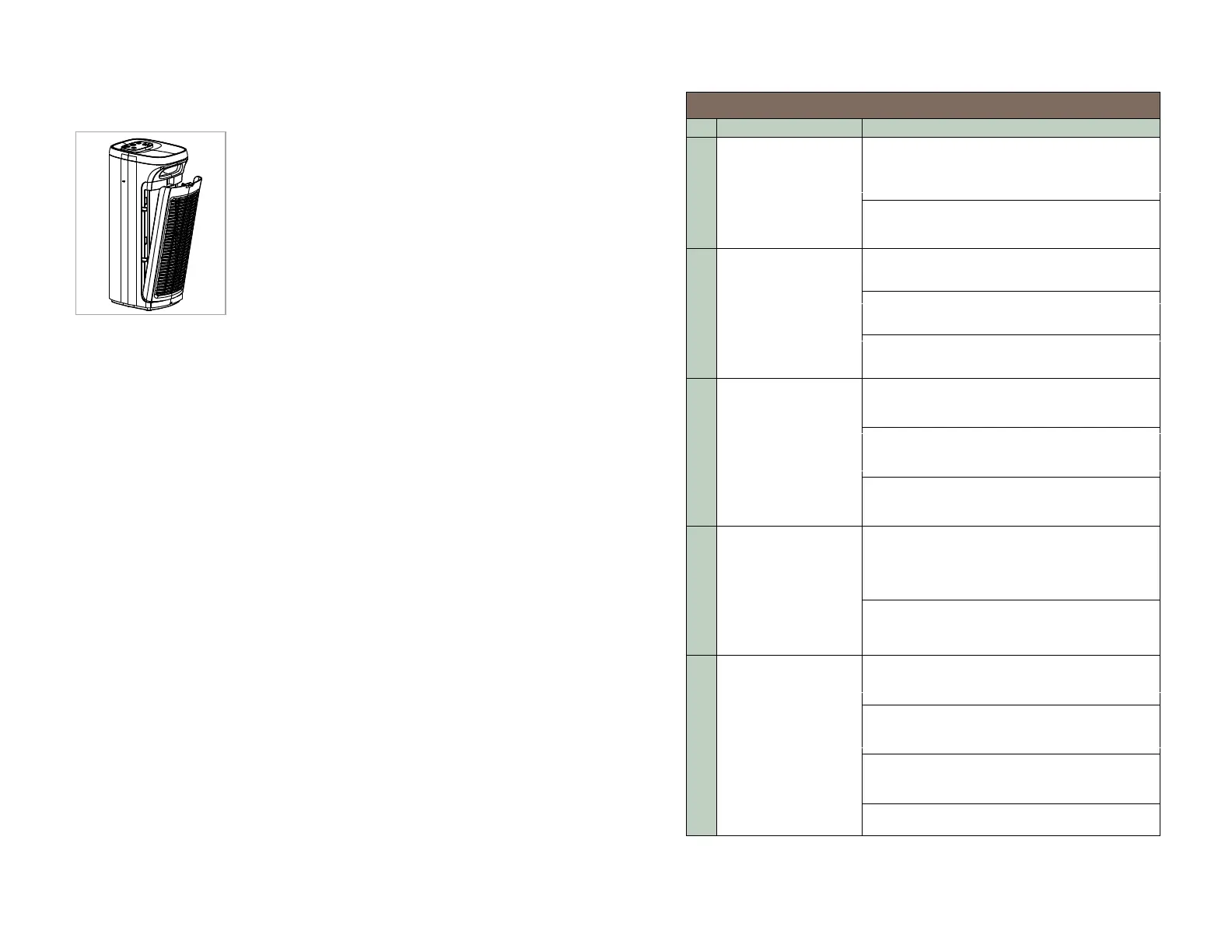
Place the new �ilter into the air puri�ier
making sure it is facing the correct direction.
Air�low travels from outside to the center of
the unit. Reinstall the rear cover
After replacing the �ilter, plug the power cord
back into an electrical outlet, then hold down
the �ilter button for 3 seconds to reset the
�ilter timer, the indicator light will go out
showing the reset was successful.
(See Page 8).
10
Please contact our customer service for purchase options:
Toll-Free Phone: +1-866-528-4572


 To Next Page