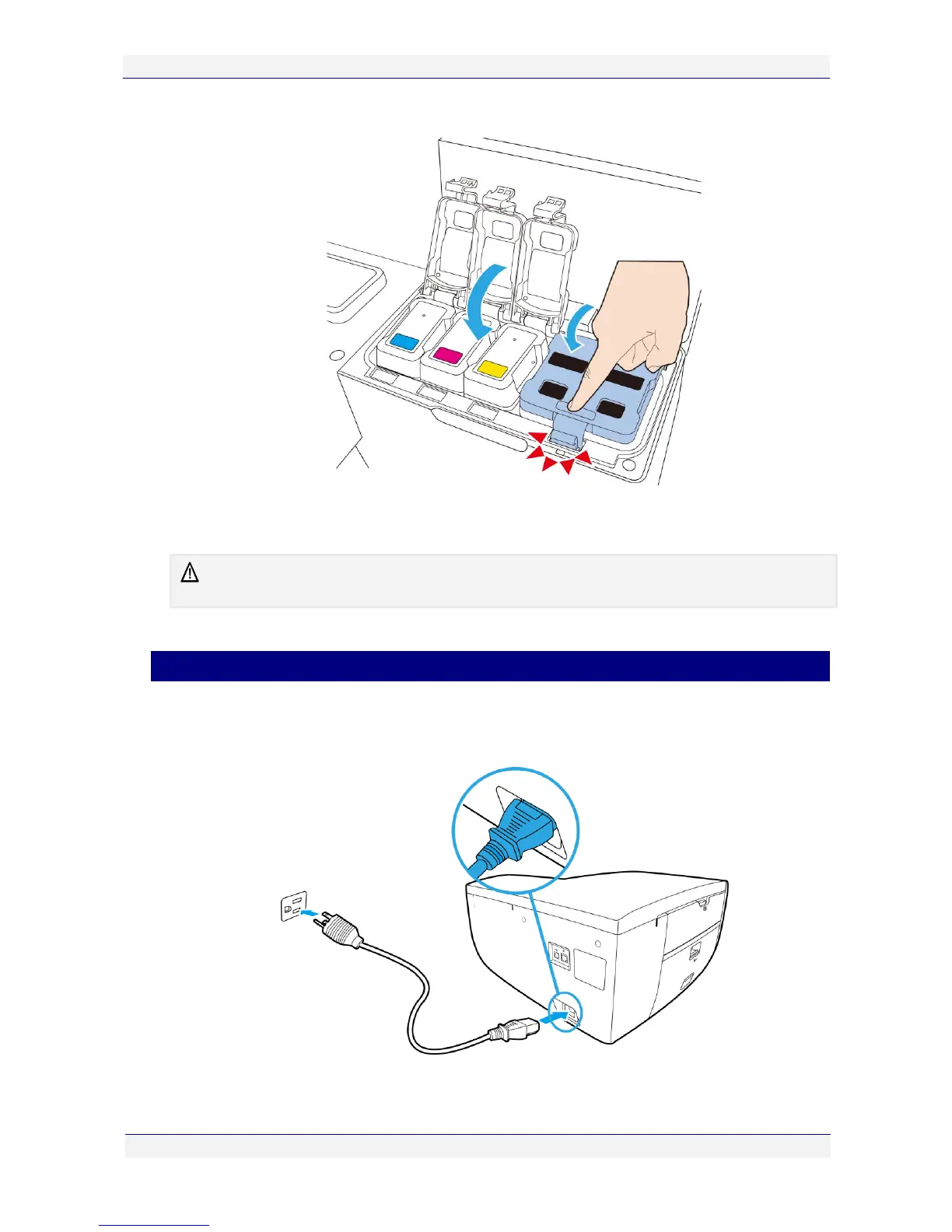
5. Close the ink tank covers, ensuring they snap down firmly.
6. Close the printer cover and allow at least two minutes for the ink to fill the ink channels
in the printer.
The power lamp on the control panel will continue to blink throughout this process. This is
normal.
You can now proceed with the installation of the printhead cartridge.
Powering up your printer
To power up your printer:
1. Connect one end of the supplied power cord to the power socket on your printer.



 To Next Page