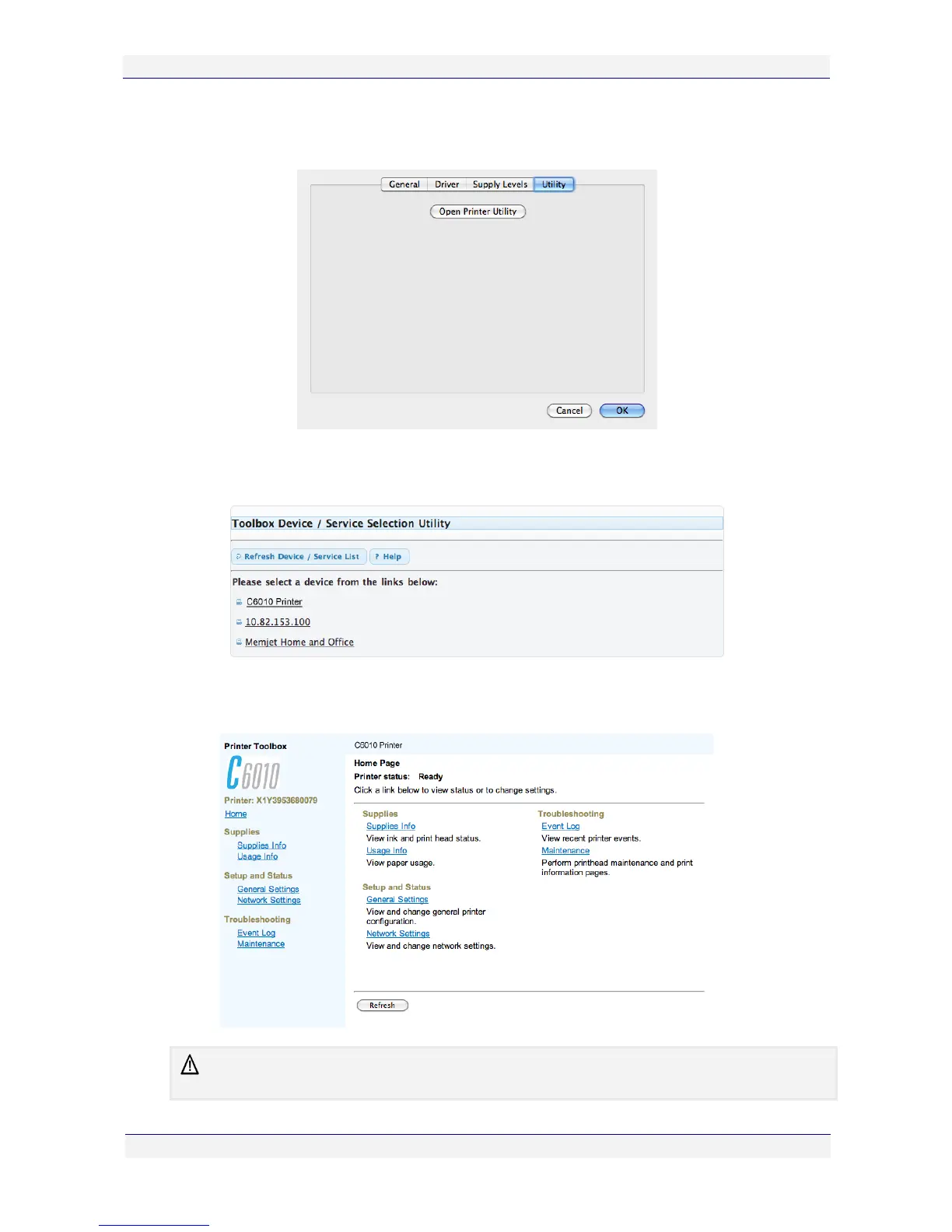
2. Select a local C6010 printer and then Options and Supplies. A window similar to the one
shown here should be displayed.
3. Select Utility.> Open Printer Utility. Your default Web browser should open, displaying
the Toolbox Device Service Selection Utility page, as shown.
4. Select your locally connected C6010 printer. The Toolbox Home Page will be displayed
and should look similar to the window shown here.
There may be minor variations in layout depending on your printer supplier and the browser you
are using.



 To Next Page