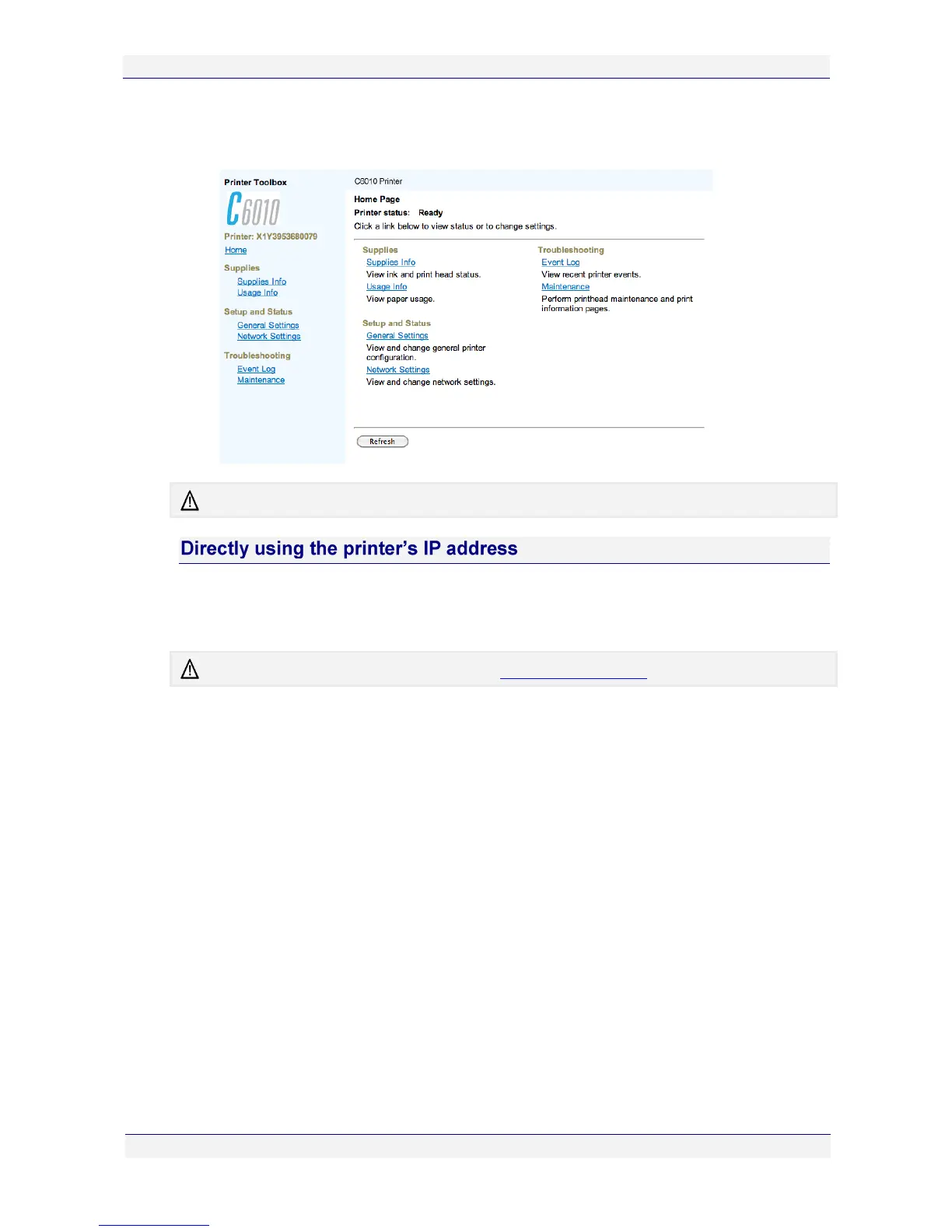
3. Select General > Show Printer Webpage in the resultant window. Your default Web
browser should open, displaying the Toolbox Home Page as shown.
There may be minor variations in layout depending on the browser you are using.
If you know the printer’s IP address, you can access the Toolbox application directly.
Simply key in your C6010 printer’s IP address in the URL field of any Web browser to bring
up the Home Page of the Toolbox application.
To find out the IP address of your printer, see Identifying your printer on page 86.



 To Next Page