Document No.: M0-0001-4504-1
Effective: 4-Dec-2009
Version: D
Page: - 4 -
Partition 2 – Secure Area
The secure area is password protected and can be accessed by typing in the correct
password only. If NO password exists or has been disabled, display defaults to the
Public area. Assigning a password enables viewing of any data in the Secure Area.
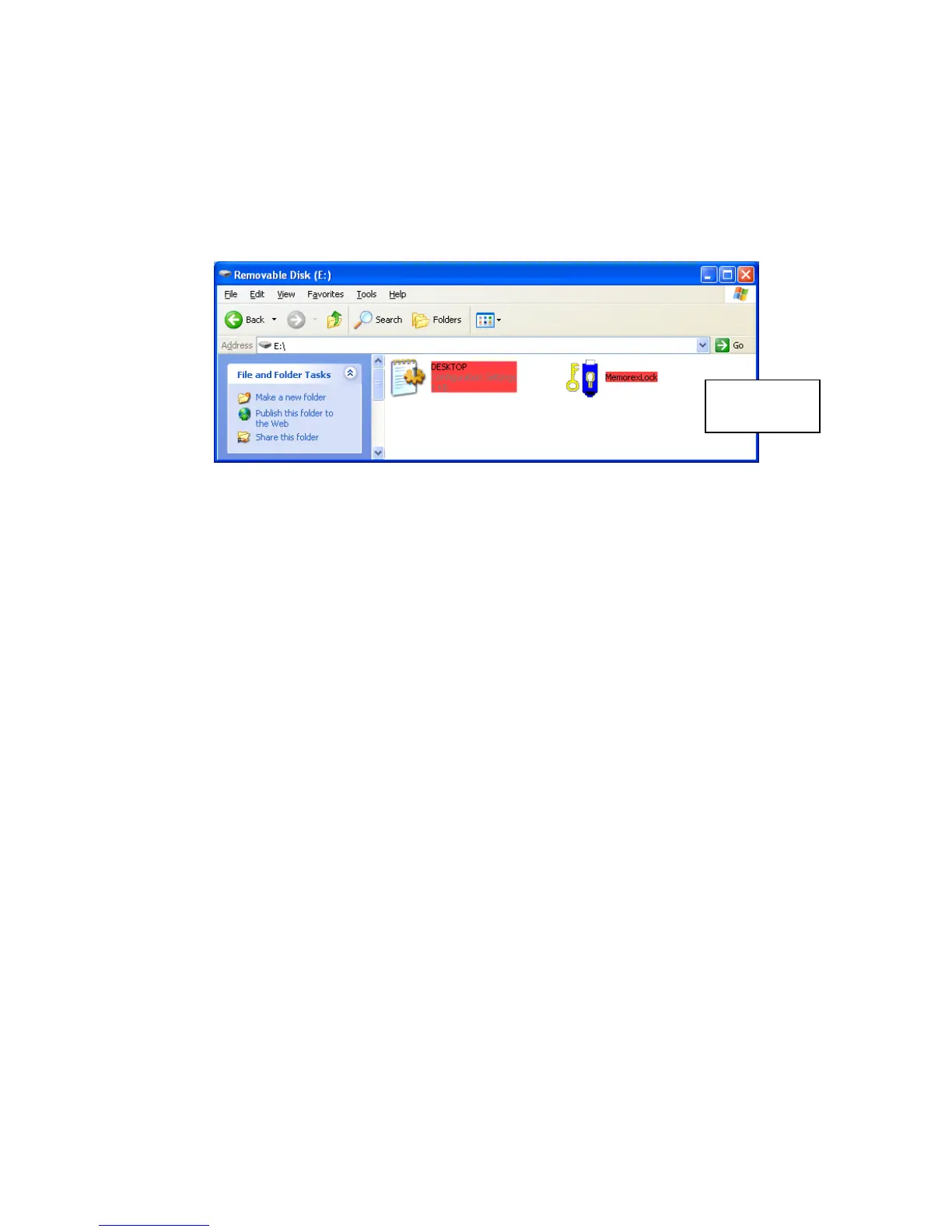
Note that in Windows XP, files in the Secure Area are highlighted in red.
Secure
Partition



 To Next Page