Document No.: M0-0001-4504-1
Effective: 4-Dec-2009
Version: D
Page: - 11 -
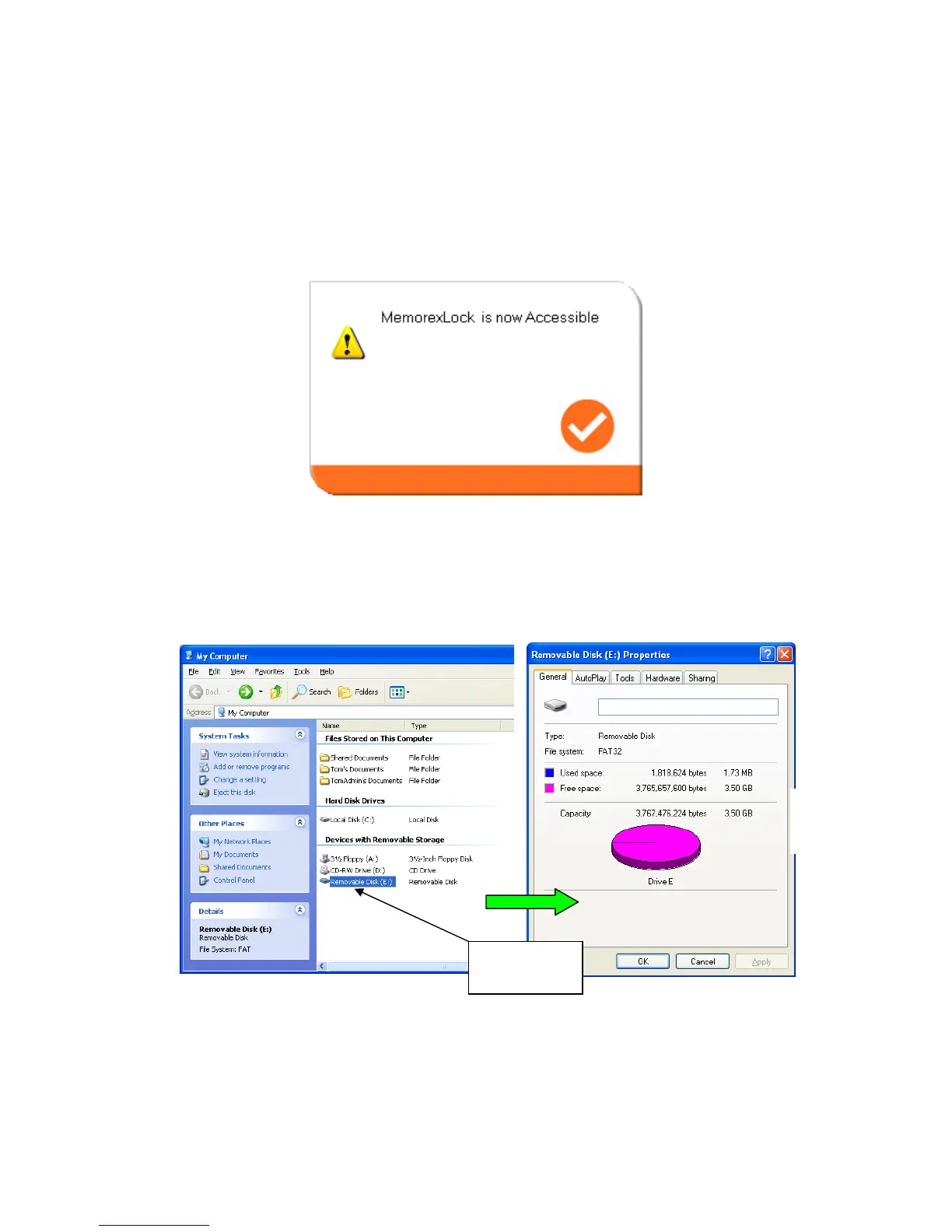
Once you have entered the correct password, the Secure partition 1 will be
available until you remove your device from the USB port or if there is a
suspension in power. When the Secure partition 1 is unlocked, you can read or
write data to the partition.
E6. Configure Partition Sizes
You can change the sizes of the two partitions (public and secure).
Press the lower right button of the Memorex LOCK program to resize public and
secure partition areas, as shown on the next page.
Public
Partition



 To Next Page