Document No.: M0-0001-4504-1
Effective: 4-Dec-2009
Version: D
Page: - 5 -
E. Introduction to Memorex LOCK
E1. Main Screen
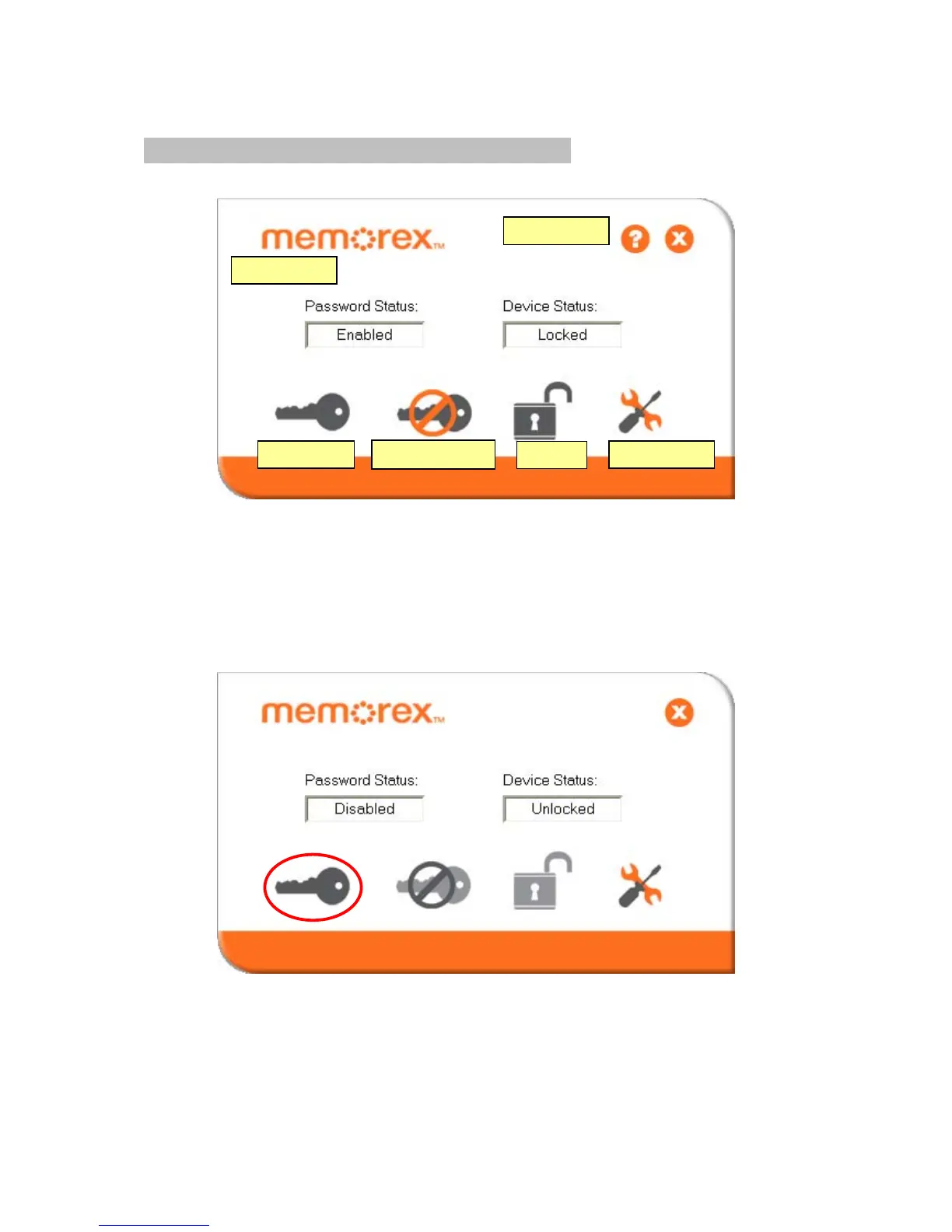
Move the mouse cursor over the icons, and the description of each button will
appear, as shown in the above labels.
E2. Set Password / Change Password
A new or unformatted device will display the following screen:
Press the bottom left hand button to setup or change your password.
Password Hint
Set Password
Disable Password
Log Out
About
Configure size



 To Next Page