Document No.: M0-0001-4504-1
Effective: 4-Dec-2009
Version: D
Page: - 3 -
D. Before Using the Security Application Program – Memorex
LOCK
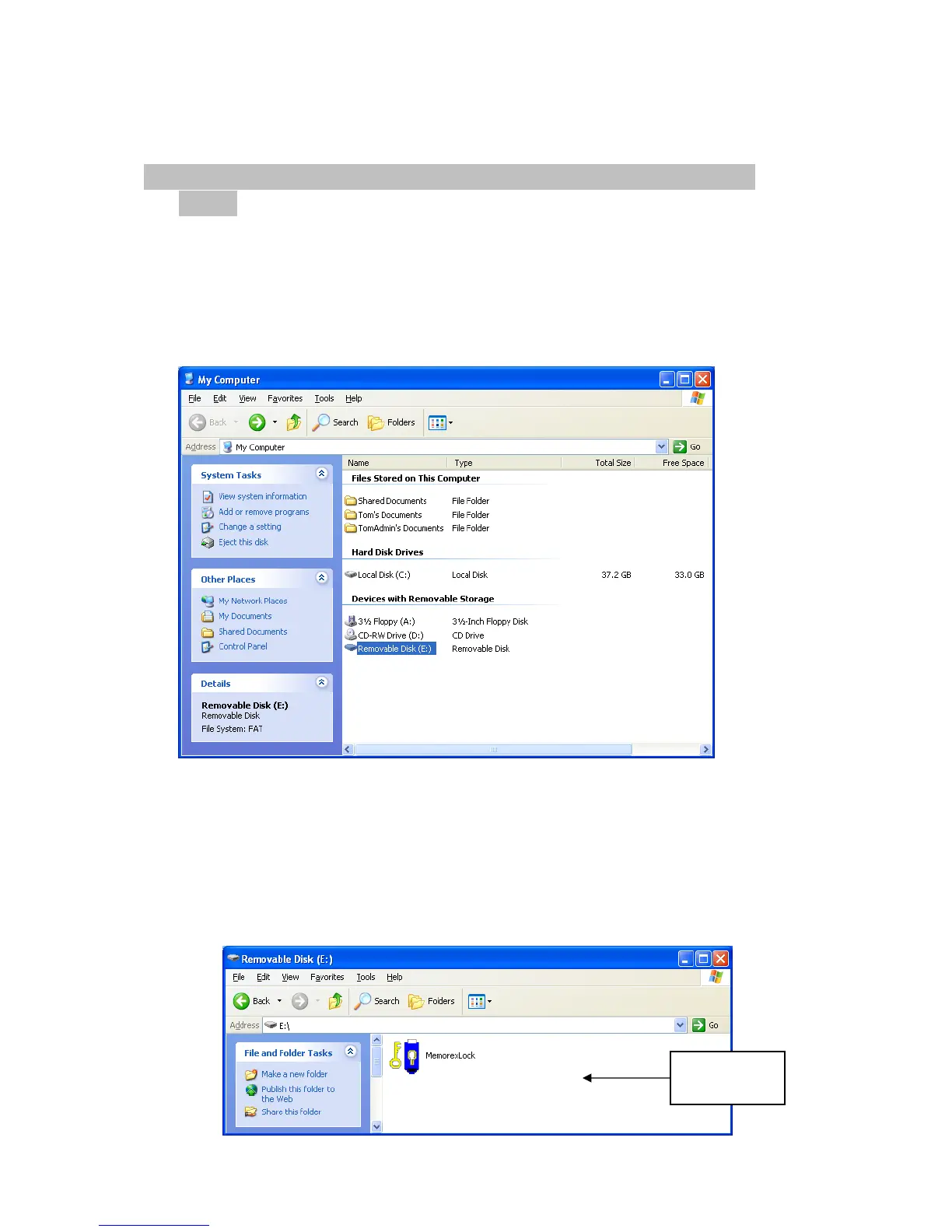
When plugged into a USB port, your operating system should recognize the device and
display a “Removable Disk” icon. This is the “Public” partition. The security
application program – Memorex LOCK will be stored in this area as well as the “Secure”
partition area.
Double clicking on the Removable Disk icon will open the following screens:
Partition 1 – Public Area
This area is “Always Open” to all users using the device. Users can read / write
data to this area any time. The security application program – Memorex LOCK
is resident in this partition. Password security will only apply to the secure
partition and will not affect this partition.
Public
Partition



 To Next Page