EasyManua.ls Logo

Memorex MET1297 - User Manual

Memorex MET1297
8 pages
Print Icon
To Next Page IconTo Next Page
Loading...
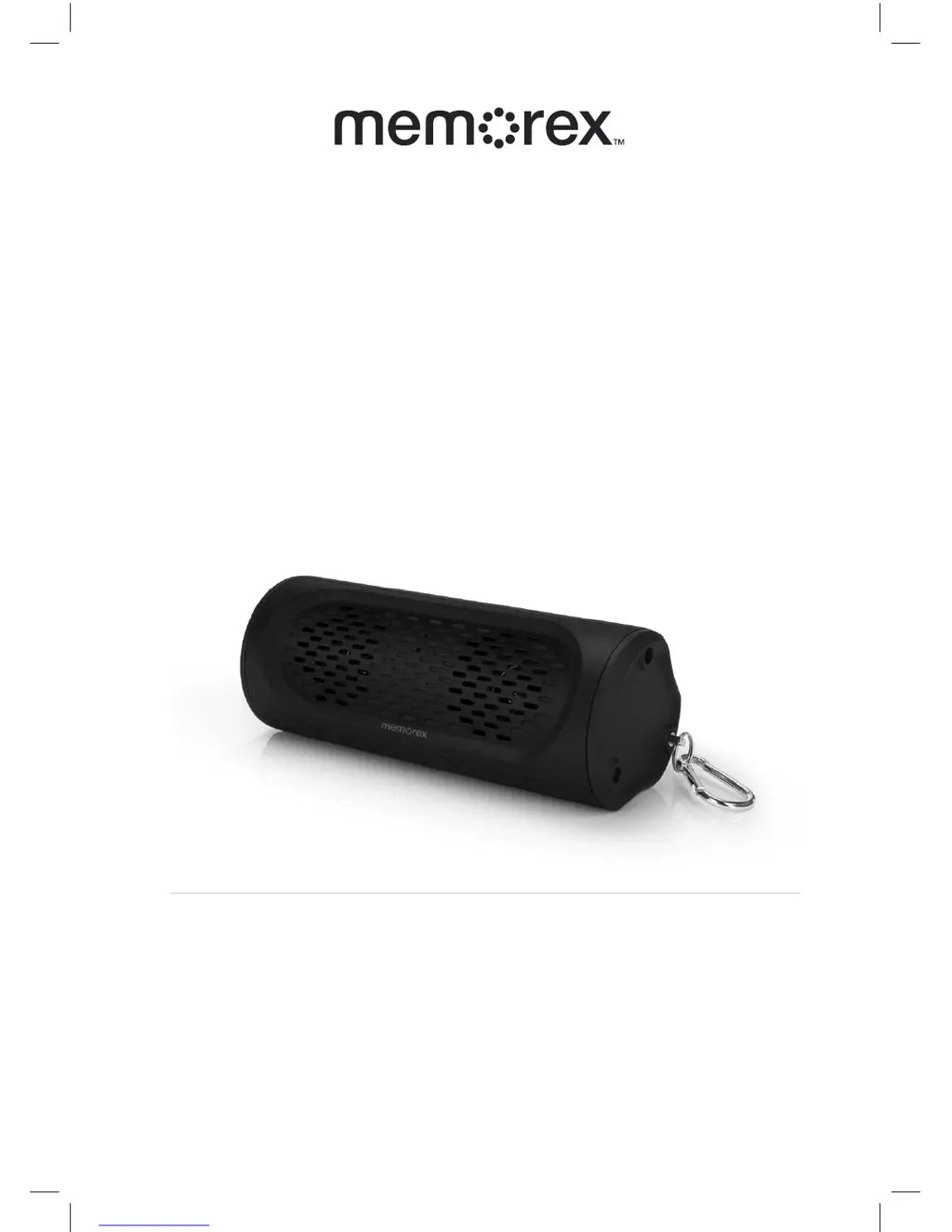
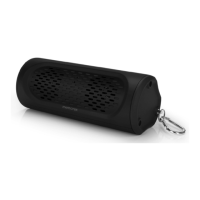
MODEL NO. MET1297
OUTDOOR BLUETOOTH SPEAKER
INSTRUCTION MANUAL
PLEASE READ BEFORE OPERATING THIS EQUIPMENT

Questions and Answers

  • S
    Sheila FitzpatrickAug 3, 2025
    How to fix Memorex MET1297 when they are not charging?
    • W
      Whitney RuizAug 3, 2025
      If your Memorex MW546 speakers aren't charging, ensure the USB power adapter is correctly plugged into a functioning wall outlet and that the USB cable is securely connected to the micro USB jack on the device. If the wall outlet isn't working, test it with another device. Also, verify that the computer USB port is powered on and try a different port.
  • D
    David StephensonAug 11, 2025
    What to do if there is no sound from Memorex MET1297 Speakers?
    • E
      Elizabeth TurnerAug 11, 2025
      To resolve the 'No Sound' issue with your Memorex Speakers, first, ensure the speaker batteries are adequately charged. If the batteries aren't the issue, verify that your Bluetooth speaker is properly paired with your cell phone by going through the pairing process. Also, make sure the speaker is within Bluetooth operating range. Finally, check the volume level and increase it by pressing the Volume+ button.
  • B
    Billy HermanAug 17, 2025
    What to do if the sound is distorted on Memorex Speakers?
    • L
      Laura BoydAug 17, 2025
      If the sound from your Memorex Speakers is distorted, try decreasing the volume. If the audio source, like your cell phone, has poor sound quality, it can cause distortion. Try using a different audio source, such as a music CD. If you're using an external sound source like an older iPod, reduce the output volume on that device and turn off bass boost or adjust the EQ settings.
  • J
    jamesbrownAug 26, 2025
    Why does my Memorex MET1297 unit get warm after extended play at high volume?
    • H
      Heather AndersonAug 26, 2025
      It is normal for the Memorex Speakers unit to get warm after extended play at high volume. To remedy this, turn the unit off for a period of time or lower the volume.

Summary

Warnings and Precautions

Electrical Safety and Fire Hazards

Avoid fire or shock hazards by following electrical safety guidelines and proper usage.

Laser Safety

Explains Class 1 laser usage and safety precautions to avoid direct exposure.

Important Safety Instructions

General Usage and Handling

Covers general safety, handling, environment, and usage guidelines for the product.

Electrical and Power Safety

Details safety related to power cords, plugs, grounding, and overload protection.

Servicing and Repair Safety

Guidelines for product servicing, damage assessment, and replacement part safety.

Product Features and Setup

Power Source and Charging

Information on the built-in battery, charging methods, and initial charging recommendations.

Battery Management and Indicators

Bluetooth and Auxiliary Connectivity

Pairing a Bluetooth Device

Step-by-step guide to connecting the speaker to a Bluetooth-enabled device.

Troubleshooting Guide

Memorex MET1297 Specifications

General IconGeneral
BrandMemorex
ModelMET1297
CategorySpeakers
LanguageEnglish

Related product manuals