EasyManua.ls Logo

Memorex MI9490P - Page 12

Memorex MI9490P
27 pages
Print Icon
To Next Page IconTo Next Page
To Previous Page IconTo Previous Page
Loading...
11
OPERATION (CONTINUED)
      
      
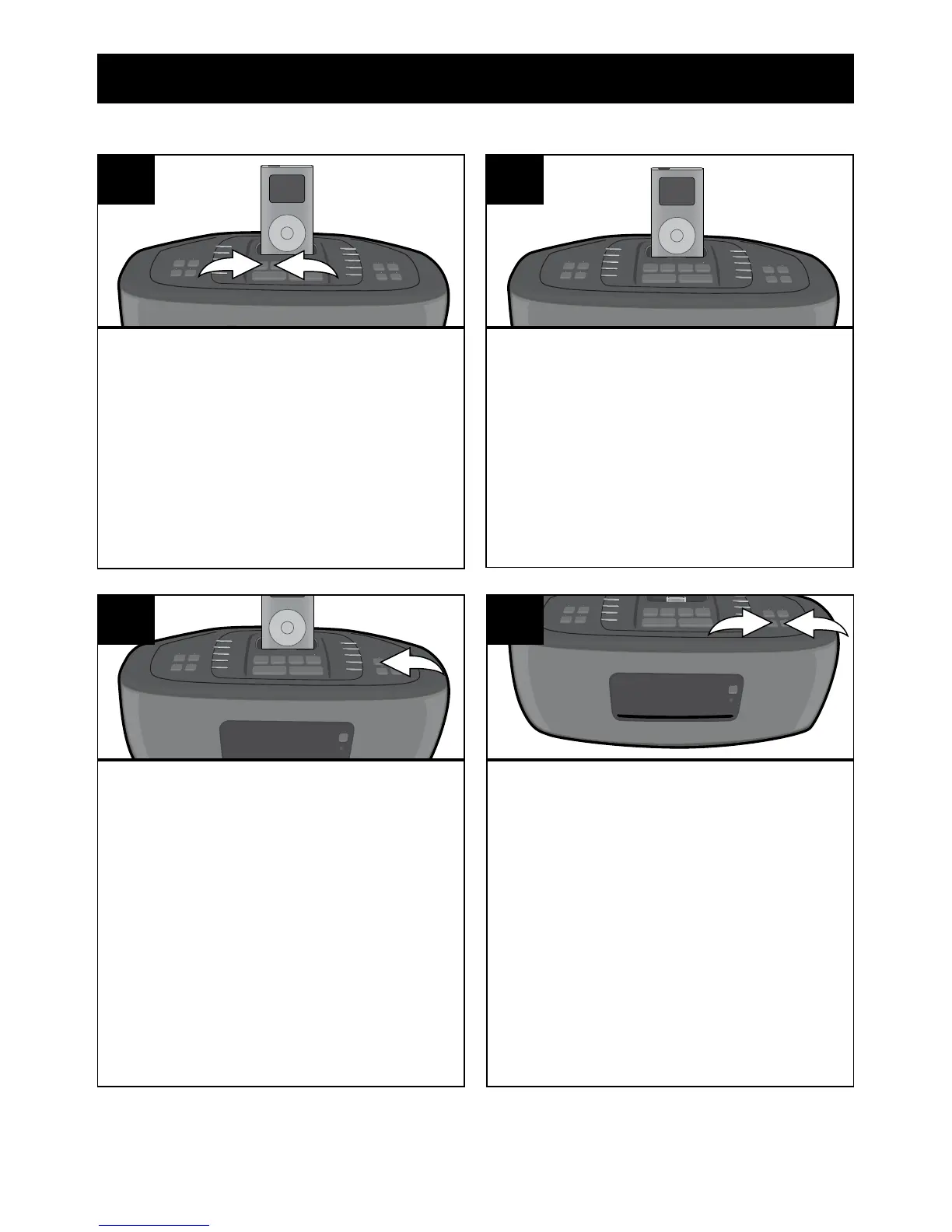
Power button 1. With an iPod
connected (see previous page),
press the iPod button 2 to select
    

Pause mode.
1
2
1
You can operate the iPod using
its own controls, as per its
     
the controls on this unit to operate
the iPod.
2
USING AN iPod WITH THIS UNIT

®p) button
     
    
     

3
To skip forward or backward on the
iPod: 
Down o 1 or Up n 2 button to
skip to the beginning of the current

To search forward or backward
on the iPod: Press and hold the
  o 1 or
Up n 2 button to search within the


1
2
4


Related product manuals