EasyManua.ls Logo

Memorex MI9490P - Power Source; Remote Battery Installation

Memorex MI9490P
27 pages
Print Icon
To Next Page IconTo Next Page
To Previous Page IconTo Previous Page
Loading...
6
POWER SOURCE
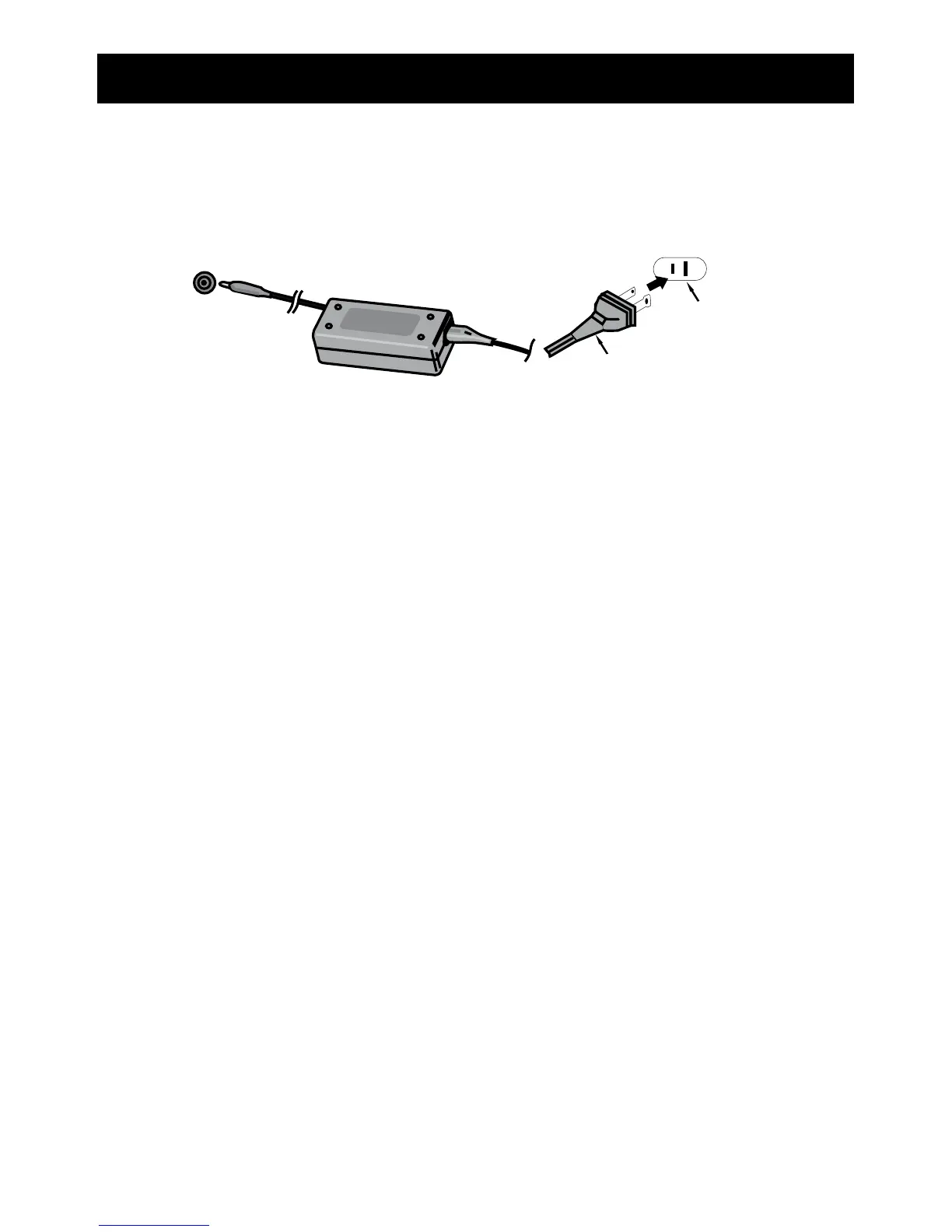
AC CONNECTION

the back of the unit). Connect the AC cord to the adapter and connect the
other end to a wall outlet having 120V AC, 60 Hz. AC Adapter, DC 12V
Z
NOTES:
 


to have an electrician replace the obsolete outlet.
             
adapter when not in use.
 
12V Z
AC Plug
AC Outlet
REMOTE BATTERY INSTALLATION
1.

sliding the compartment out.
            
         
compartment (positive side up).
 
IMPORTANT! See BATTERY PRECAUTIONS on the next page.

Related product manuals